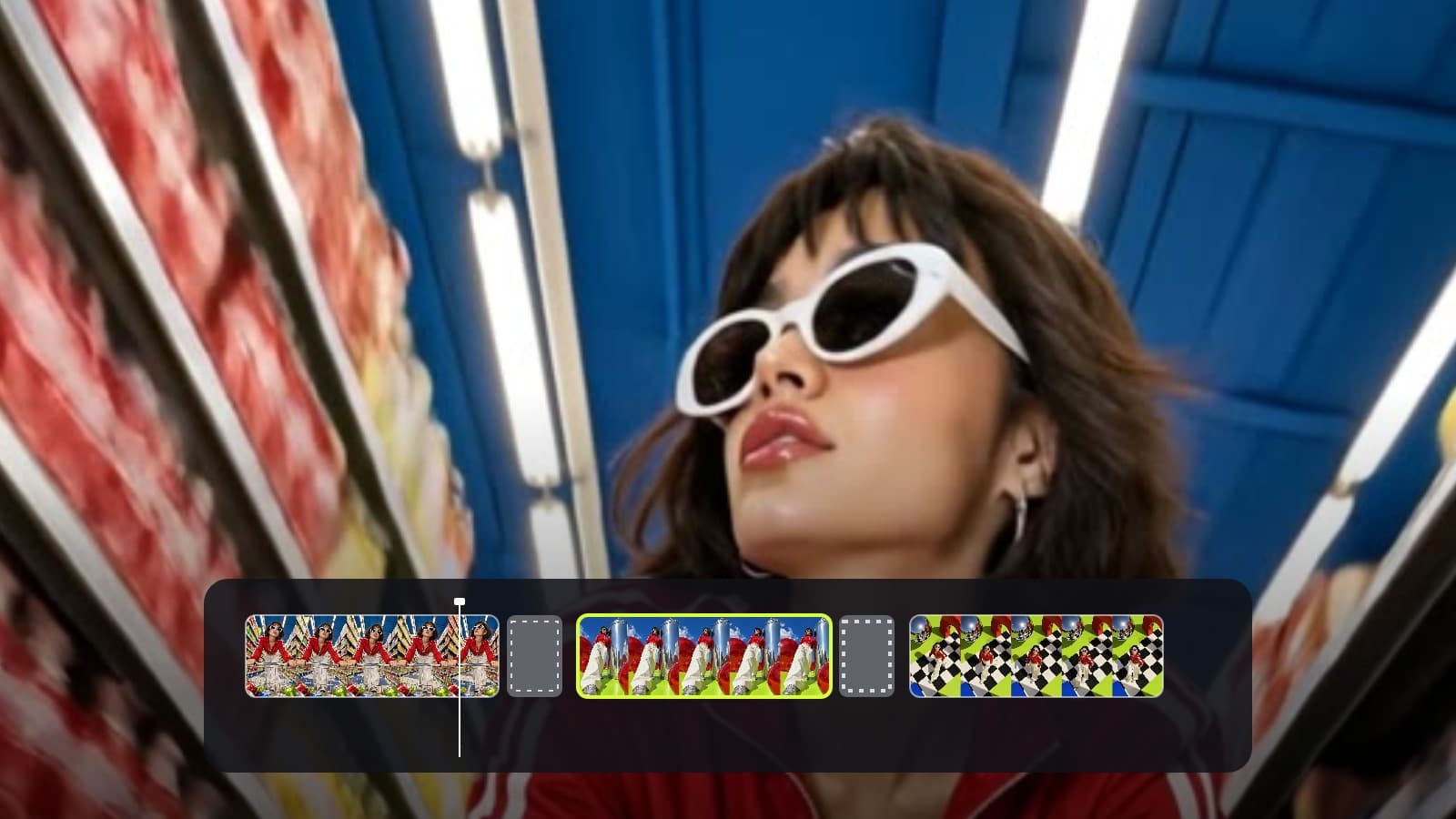
Open your finished video
In Video Editor, open the project you want to adapt. Add or review captions for spoken words first. The Languages panel uses the project's text, captions, and speech segments to prepare another version.
Video editing
You can keep the original footage and create translated on-screen text, captions, and a new voice track in another language.
Example: A business has an English product walkthrough. Create a German version of the on-screen text and captions, then review timing before sharing it.
In Video Editor, open the project you want to adapt. Add or review captions for spoken words first. The Languages panel uses the project's text, captions, and speech segments to prepare another version.
Select the destination language and decide whether to translate on-screen text, captions, and a spoken voice track. For a voice track, choose one of the available voices and review the displayed credit estimate before starting.
ZMEU creates a separate project for each selected language. The original footage stays on screen, so the person's appearance and expressions remain visible. Watch it through, correct wording and timing, and check whether the selected voice fits the picture before export. The new voice does not automatically match the original voice or lip movements.
A separate translated project you can review and export without replacing the original.
إنشاء حساب