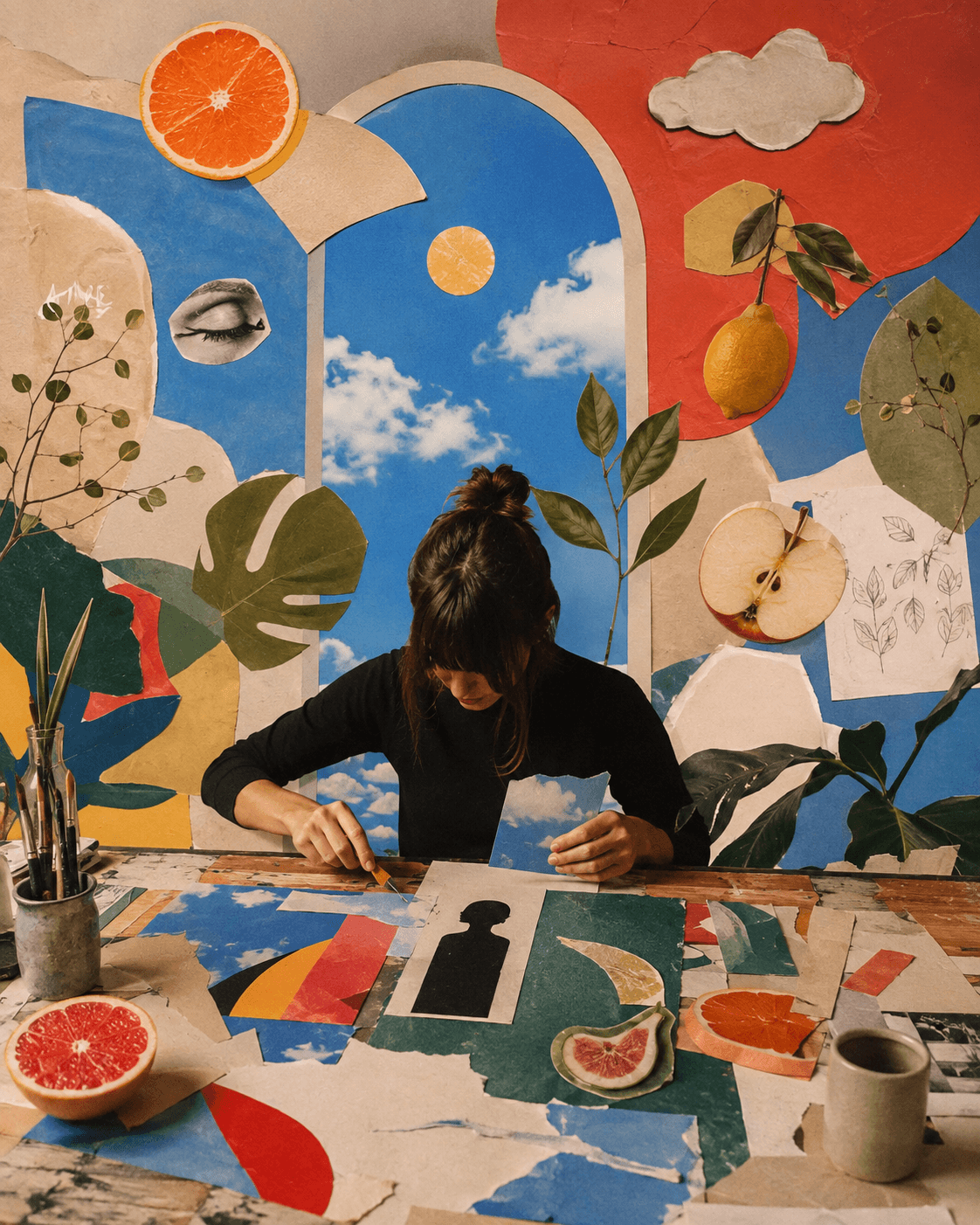
YOUR PHOTO.
MORE POSSIBILITIES.
Work with your own photos or a new creative. Make precise edits and explore bigger changes without losing your direction.
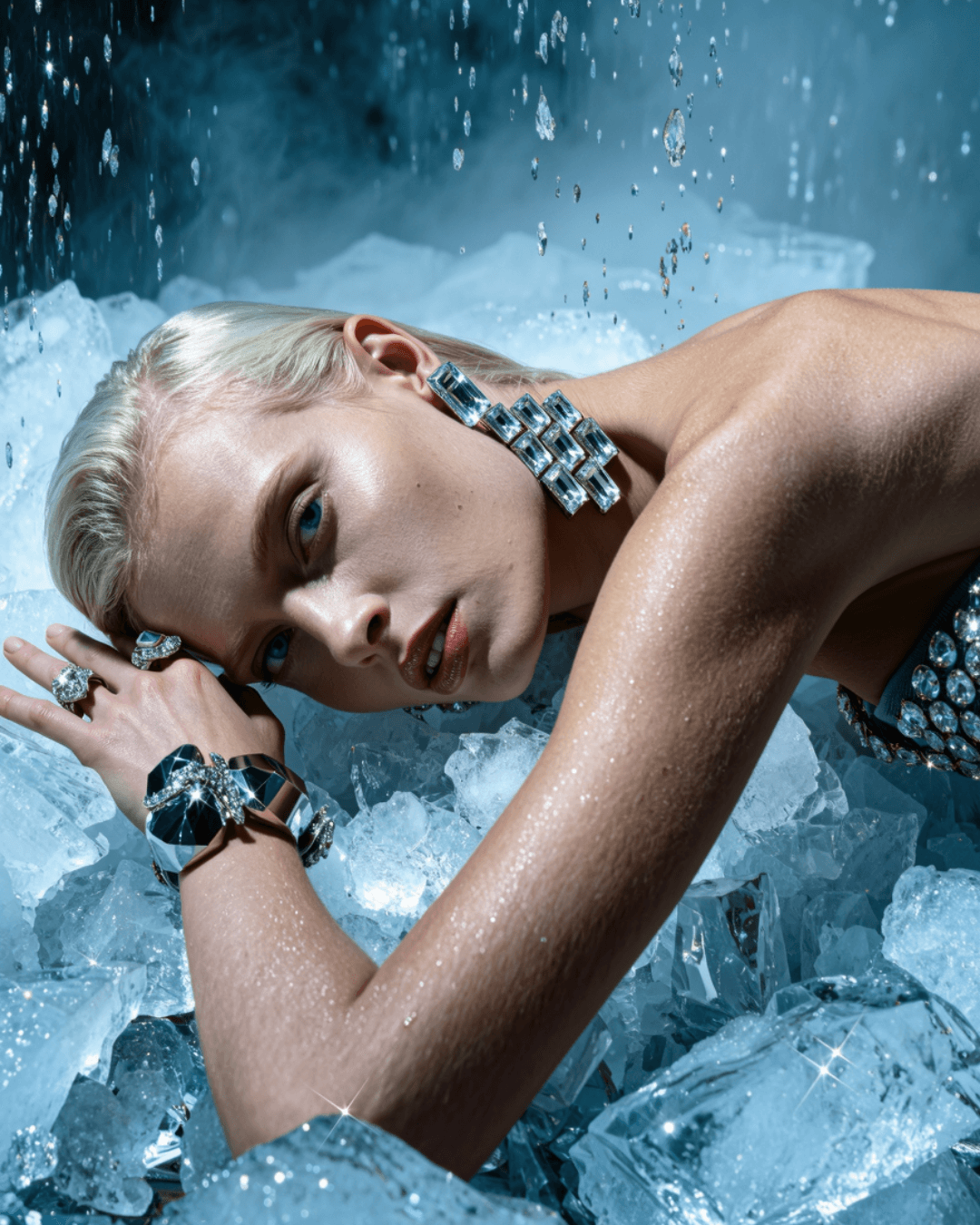
Start with what you already have.
Upload an existing photo or open an image you created in ZMEU. Use the canvas to crop the composition, arrange layers, and add text that stays editable. This is useful when a campaign needs a product image, a clear offer, and a consistent layout rather than a completely new picture. Keep exact wording separate from the image so later revisions are easier.
Change the color. Keep the shape.
One detail. A different mood.
Ask for a targeted visual change, such as a different jacket color, cleaner background, or new lighting. Name the subject and the details you want to preserve. You can review a variation and continue refining, while using the regular editing controls for placement, size, and text. Generated edits still need checking, especially around products, hands, logos, and small details.
A new background around the same subject.
Take your subject somewhere new.
Take a subject into a new setting or remove a background to build a different layout. Give the agent a reference for the mood or composition, then explain how it should apply to your image. After the visual edit, prepare a crop for the destination and check that the headline, product, and call to action remain readable at social-feed size.
Change the background to a warm cream studio. Keep the product label and bottle shape recognizable. Leave space on the right for a headline, and do not add text to the image.
Say what changes. Say what stays.
The most useful editing requests separate the intended change from the details to preserve. Ask the photo agent to inspect your draft, critique the layout, or generate a focused edit. You can request a new visual direction without forcing every task to use the brand palette. Use manual layer and text controls when you want direct control over the finish.
product-focused layouts · concise offers
warm photography · welcoming copy
Handle client revisions with context.
Keep the approved reference, product assets, and creative direction with the correct client brand. An agency can use the same editing workflow for several clients while applying a different palette, voice, and layout brief to each. Turn feedback into a specific edit request, review the result, and prepare the approved version with the campaign's caption and destination.
FREQUENTLY ASKED QUESTIONS
Can I edit my own photos?
Yes. Start from an upload or a generated image. Use the canvas tools for layout and text, and the agent for supported visual edits.
Can I remove or replace a background?
Yes, using the relevant background or image-editing workflow. Check the subject edges and important product details before using the edited result.
Will an AI edit keep everything else exactly the same?
Not always. Tell the agent what should remain unchanged and inspect the output. Use manual editing controls for adjustments where you need direct control over positioning or copy.
Can I change the words after exporting?
Keep an editable project with separate text layers so you can revise the wording there. A flattened exported image does not retain the same editable layer structure.
How do I make versions for different platforms?
Adjust the canvas or crop for each destination, then check the placement and readability of the product, headline, and call to action before exporting.
Can I use different client brand directions?
Yes. Select the appropriate brand, use its references, and state the campaign direction in the edit request. Keep each client's projects and final assets organized separately.
MORE IDEAS.
PRACTICAL
GUIDES.
Read the blog
Edit uploaded and AI-generated photos before they go live

Write better image prompts with product and brand references