MAKE THE CUT.
KEEP YOUR STYLE.
Bring your clips, captions, and audio together in one timeline. Shape a finished video from your own footage or generated scenes.

Find the rhythm of your story.
Bring your uploaded footage and generated clips into the same timeline. Arrange the scenes, trim the opening, and remove moments that slow down the message. Build the story around what the viewer needs to see first, whether that is the product, the result, or the campaign hook. Preview the full sequence so individual edits still work as one piece.
Mix your footage with new ideas.
You can combine real footage with new generated scenes instead of treating them as separate projects. Use the agent to help create or refine a shot, then return to the timeline to choose its place in the story. Keep the visual direction consistent through your references and brief, while checking the continuity between clips yourself.
Finish the details for your feed.
Add captions, editable on-screen text, and audio to give the edit its final shape. Check caption timing, contrast, and the space your text occupies in the frame. Prepare versions for the intended destinations, then preview the exported result before scheduling. Keep the project so a client's copy change or shorter cut can be handled without rebuilding everything.
Trim the quiet opening, keep the product close-up, and make the sequence feel faster. Add readable captions without covering the product. Keep the final call to action on screen long enough to read.
Turn feedback into a clear editing brief.
Tell the video agent which part of the sequence needs attention and what you want to improve. Ask for supported timeline changes or a new generated shot, then inspect the edit. Be specific about the footage to keep, the intended pace, and the final format. The agent can help with production tasks while you make the decisions about the story.
quick cuts · bold, readable captions
slower pacing · restrained on-screen copy
Keep each client's edit recognizable.
Use a client's brand brief to guide caption style, visual tone, and the message, then collect its footage in the relevant project. Agencies can adapt a launch film into shorter social edits without mixing another client's references or assets into the brief. Review each version for the destination and keep the approved project available for later revisions.
FREQUENTLY ASKED QUESTIONS
Can I edit uploaded and generated videos together?
Yes. Bring the clips into the same project and arrange them in the timeline. Review their pacing and visual continuity before export.
Can the agent help with my timeline?
The video agent can carry out supported editing actions and help with new footage. Describe the change clearly and review the resulting timeline rather than assuming every editorial decision is final.
Can I add captions and music?
Yes. Use the caption, text, and audio tools in the video workflow. Check timing, readability, and audio levels in your final preview.
Can I make different cuts for social channels?
Yes. Prepare the pacing, framing, and copy for the intended destination. A shorter cut may need a different opening rather than simply removing the end of the longer version.
How do I handle a client revision?
Return to the editable project, apply the requested change to the relevant clip or text, and export the revised version. Keep the client's brand direction and approval context with the work.
Does exporting a video publish it automatically?
No. Exporting creates the finished media. Use the publishing workflow separately when you are ready to prepare a caption, choose a destination, and schedule or publish.
MORE IDEAS.
PRACTICAL
GUIDES.
Read the blog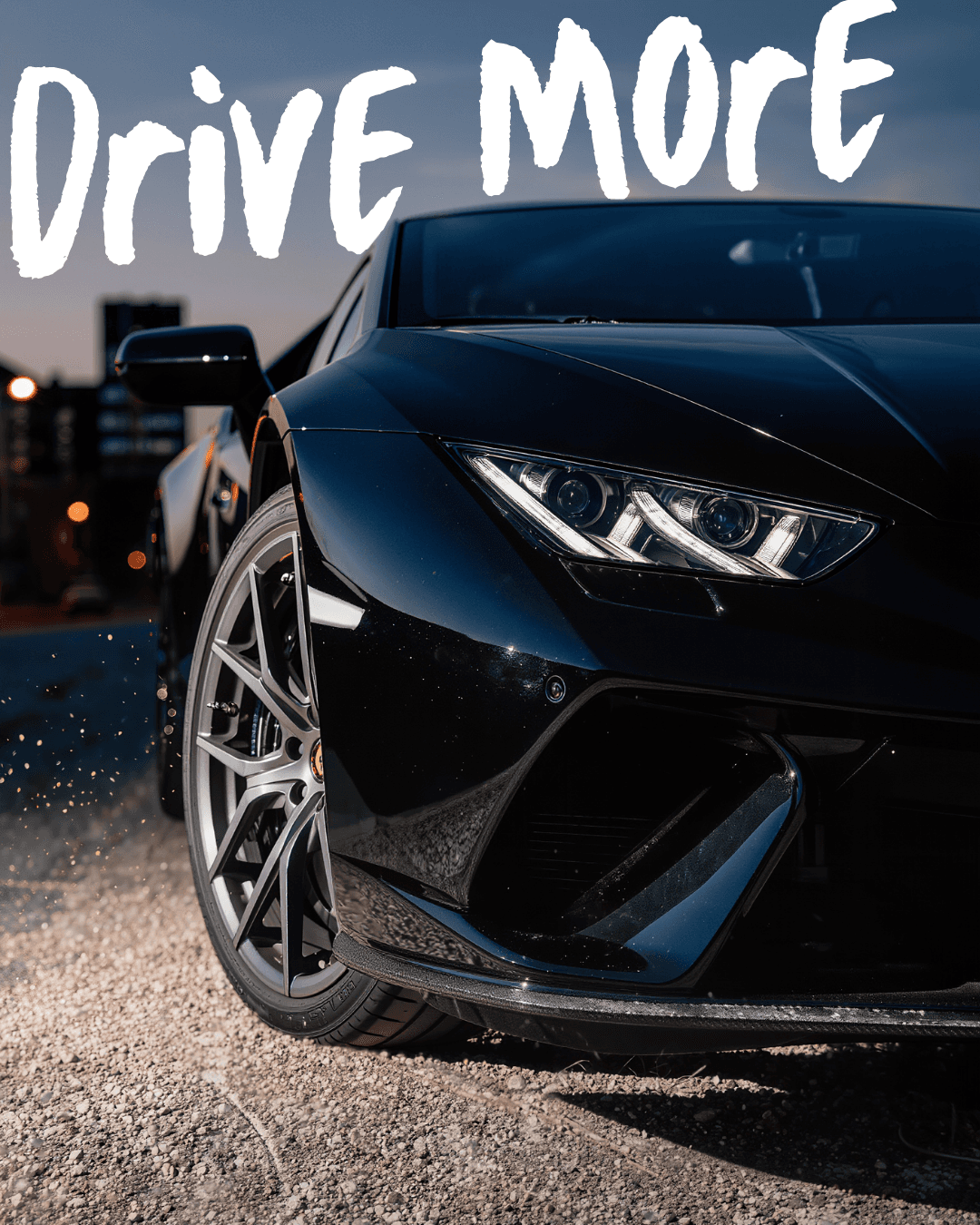
From a brand brief to a generated video and a finished edit
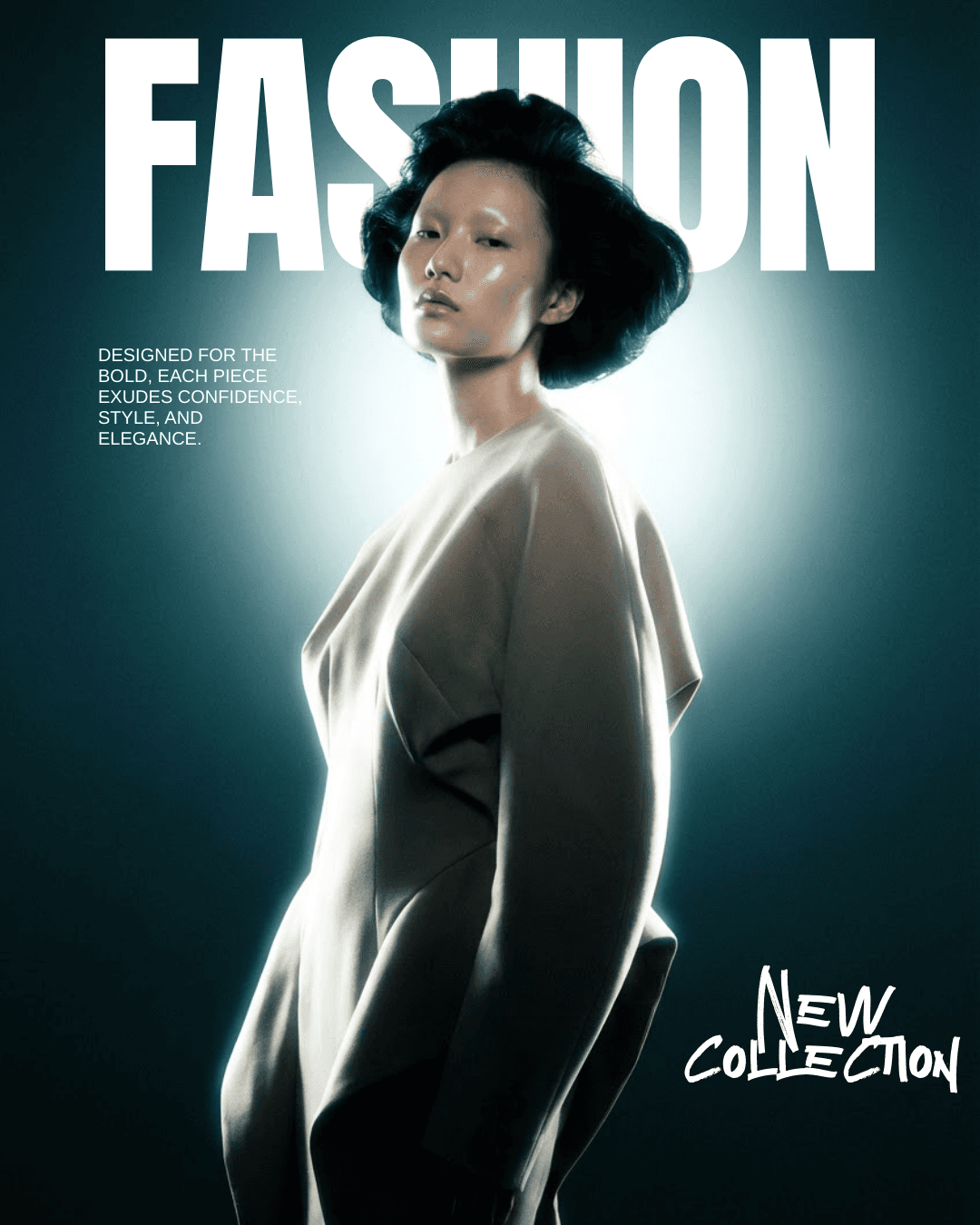
Repurpose one idea into Reels, TikTok, feed posts and Shorts