Ressourcen/Product ad prompts for one photo

Product ads

Product ad prompts for one photo

Turn one product photo into five distinct ad directions, from a clean hero shot to an in-use scene.

The clean product hero

Open Create something, choose Image, and attach a clear product photo. Generate the visual first; add the final headline and price as editable text in the Image Editor.

Try this: Use my product photo as the exact product reference. Create a clean ad image of the bottle on a warm stone surface in soft morning light. Keep its shape, label colors, and cap recognizable. Leave open space on the right for a headline. Do not add text to the image.

Attach your product photo and choose Image before generating a direction.

Attach your product photo and choose Image before generating a direction.

Create page with prompt and product reference controls
Open original file

The product in someone's routine

Show how a customer would use the product. Pick a setting your audience knows and check that the product still looks like yours.

Try this: Use my reusable coffee cup as the product reference. Show it in a real morning commute: held naturally by a person waiting for a train, with soft city light and an uncluttered background. Keep the cup design accurate. Make this feel like a candid moment, not a studio render. No text.

The detail worth noticing

Ask for one close-up that makes a material, texture, or design feature easy to see. Avoid inventing technical claims that the image cannot prove.

Try this: Make a close-up ad image of the running shoe in my reference. Focus on the stitching, sole texture, and material finish. Use directional light and a simple background. Keep the shoe's real colors and proportions. Leave the upper left clear for editable copy; do not write any copy in the image.

Inspect the product details and make precise edits on the canvas.

Inspect the product details and make precise edits on the canvas.

Selected product image in the Image Editor
Open original file

The color-led campaign

Use your brand palette to create a stronger visual world. Add the actual brand colors in Brand or describe them in the prompt.

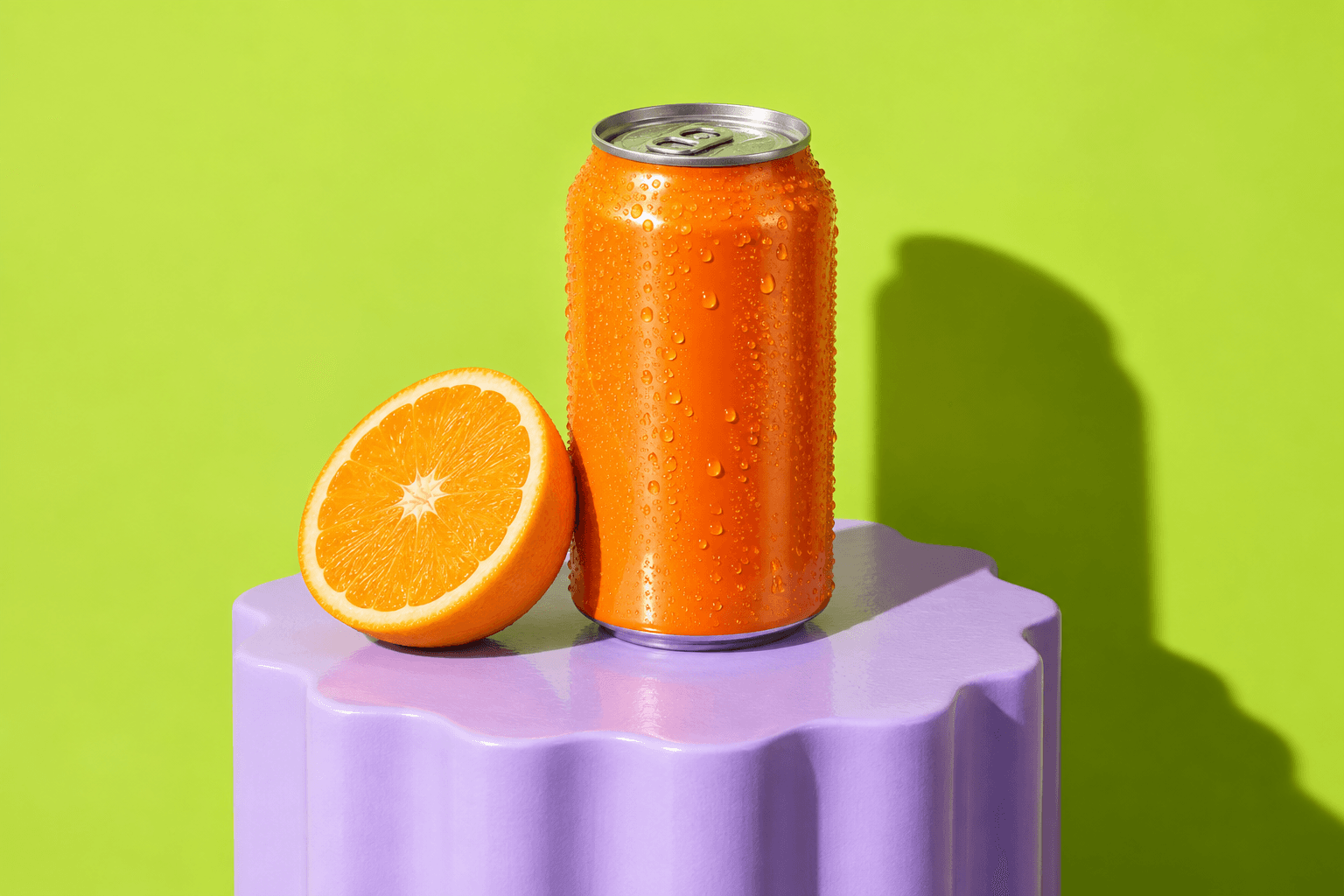
Try this: Create a playful ad for the orange drink can in my reference. Use a bold lime background, a few orange slices, and sharp summer shadows. Keep the can and label recognizable. Make the composition energetic but leave a clean area for a short headline. No generated lettering.

The set of channel-ready crops

Pick the strongest direction, then prepare a square feed image and a vertical story version. Inspect every crop so the product and any editable text stay visible.

Try this: Adapt the approved product ad into a square feed composition and a vertical story composition. Keep the same product, colors, and lighting. Reposition the product so it is fully visible in both formats, and reserve safe space for editable headline and offer text.

Add final headlines and prices as editable text after choosing a visual.

Add final headlines and prices as editable text after choosing a visual.

Editable text options in the Image Editor
Open original file

Bereit, es selbst auszuprobieren?

Five visual directions you can compare, refine in the Image Editor, and turn into finished ads with editable copy.

Konto erstellen

Verwandte Anwendungsfälle

Swipe to see more use cases · 1/4
Product ad prompts for one photo | Zmeu Resources