Importar el activo
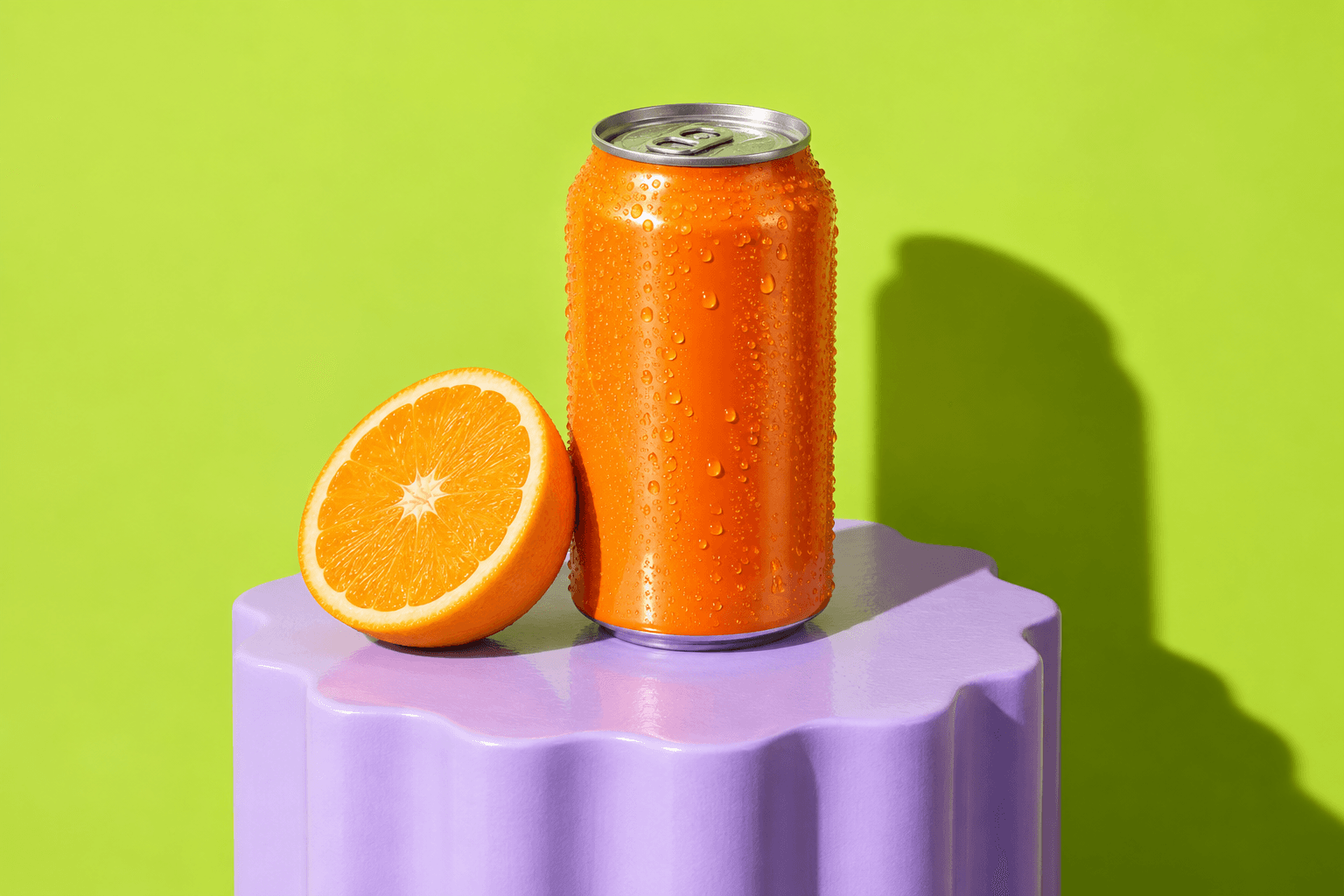
Comienza desde una foto subida, video subido, imagen generada por IA o dirección de video generado. ZMEU mantiene medios reales y generados en el mismo flujo de contenido.
Edición de fotos y videos
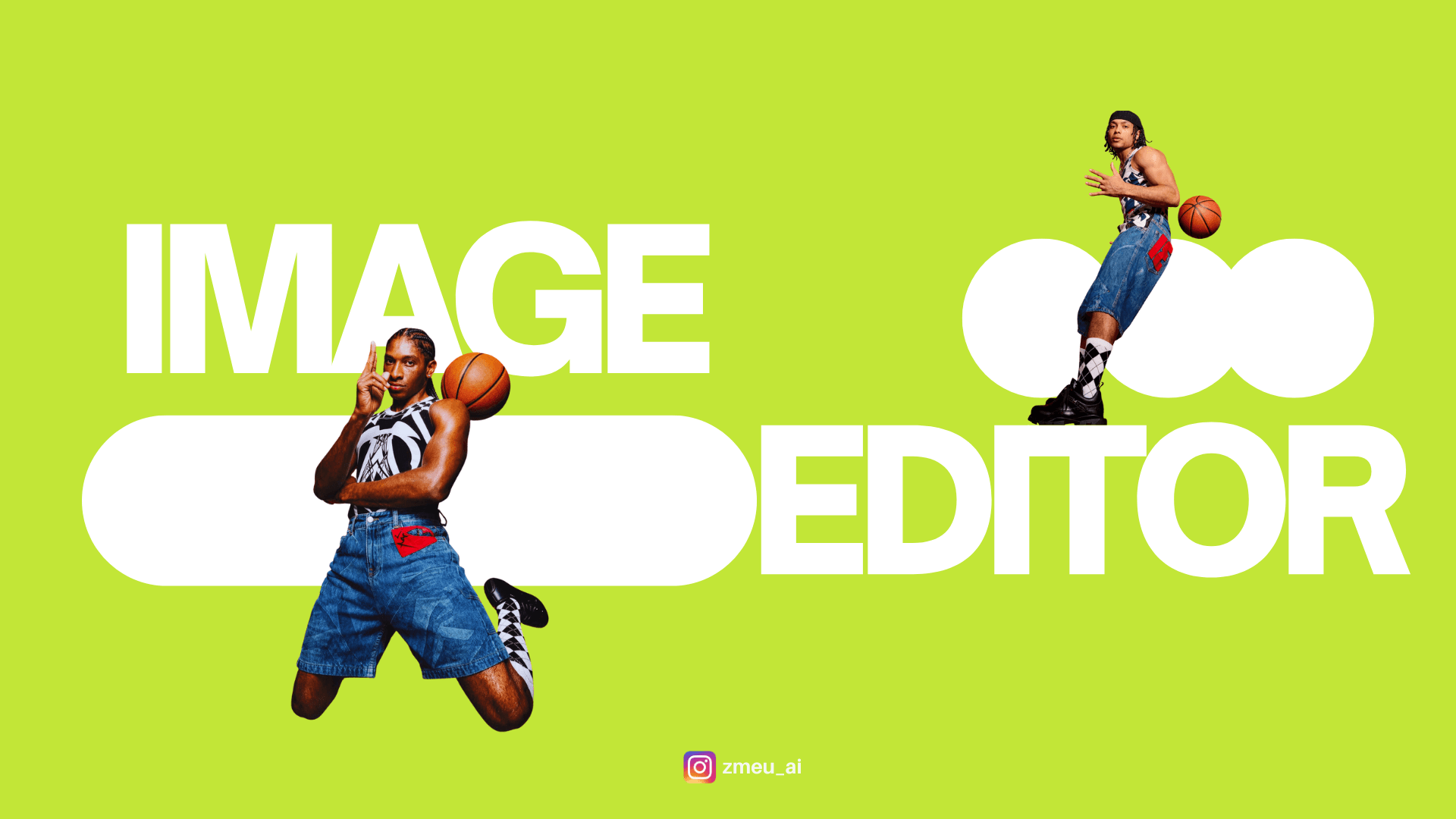
Usa ZMEU para importar tus propias fotos o imágenes generadas, luego recorta, cambia tamaño, reescribe textos, ajusta diseños y prepara exportaciones limpias para redes sociales.
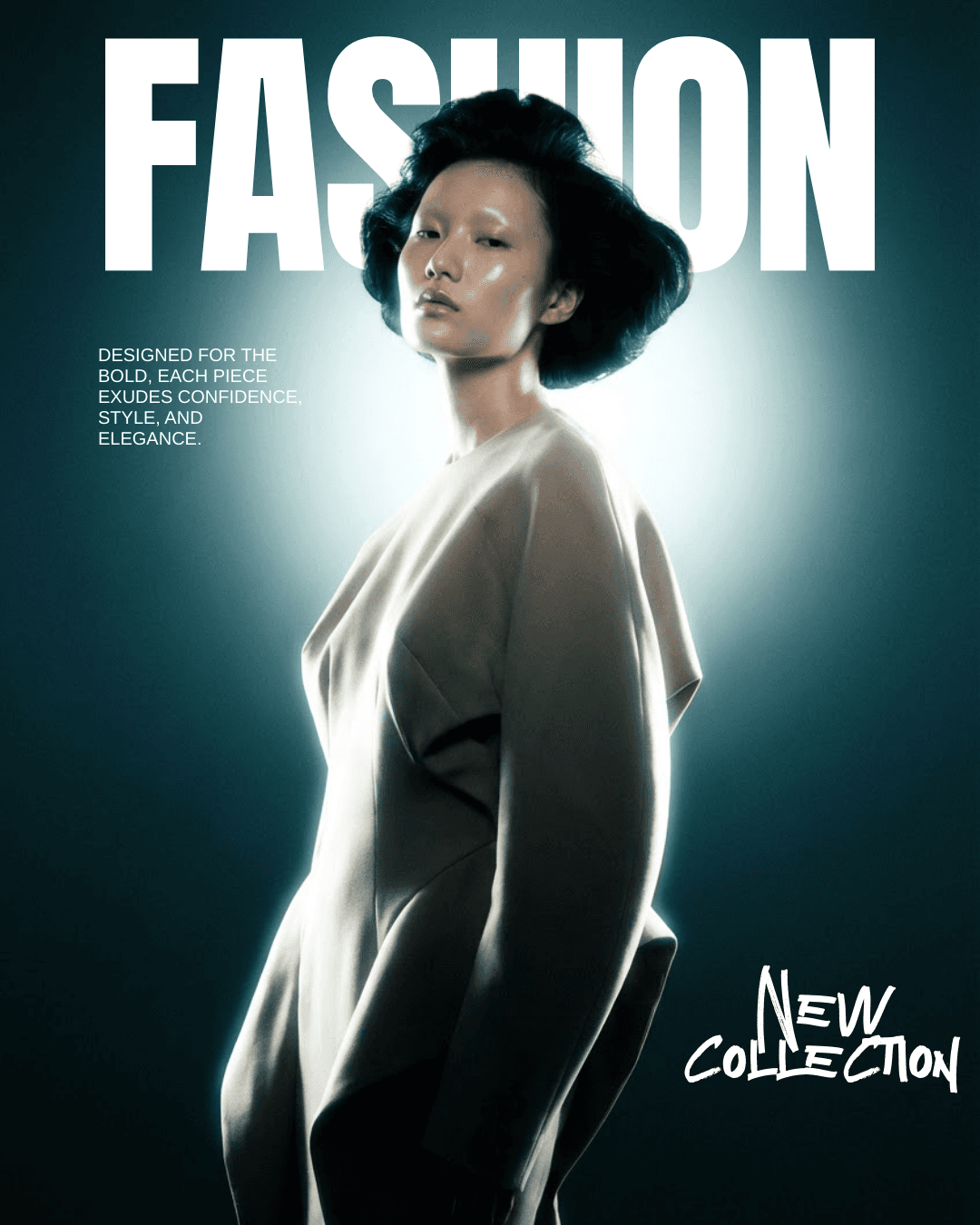
Example: A generated poster has a strong composition but a poor headline. Open it in the image editor, replace the words as editable text and check the final crop.
Comienza desde una foto subida, video subido, imagen generada por IA o dirección de video generado. ZMEU mantiene medios reales y generados en el mismo flujo de contenido.
Ajusta el recorte, tamaño, diseño, texto y composición tú mismo, o usa ediciones asistidas por IA para variaciones más rápidas.
Un visual solo es útil cuando encaja con la campaña. ZMEU mantiene leyendas, formato de plataforma e intención de publicación cerca del activo editado.
Una vez aprobado el activo, expórtalo o muévelo al calendario semanal de publicaciones con la leyenda correcta adjunta.
Puedes mantener el control creativo: edita tus propios medios o los generados manualmente, con ayuda de IA, y prepara los activos finales sin cambiar de herramienta.
Crear cuenta