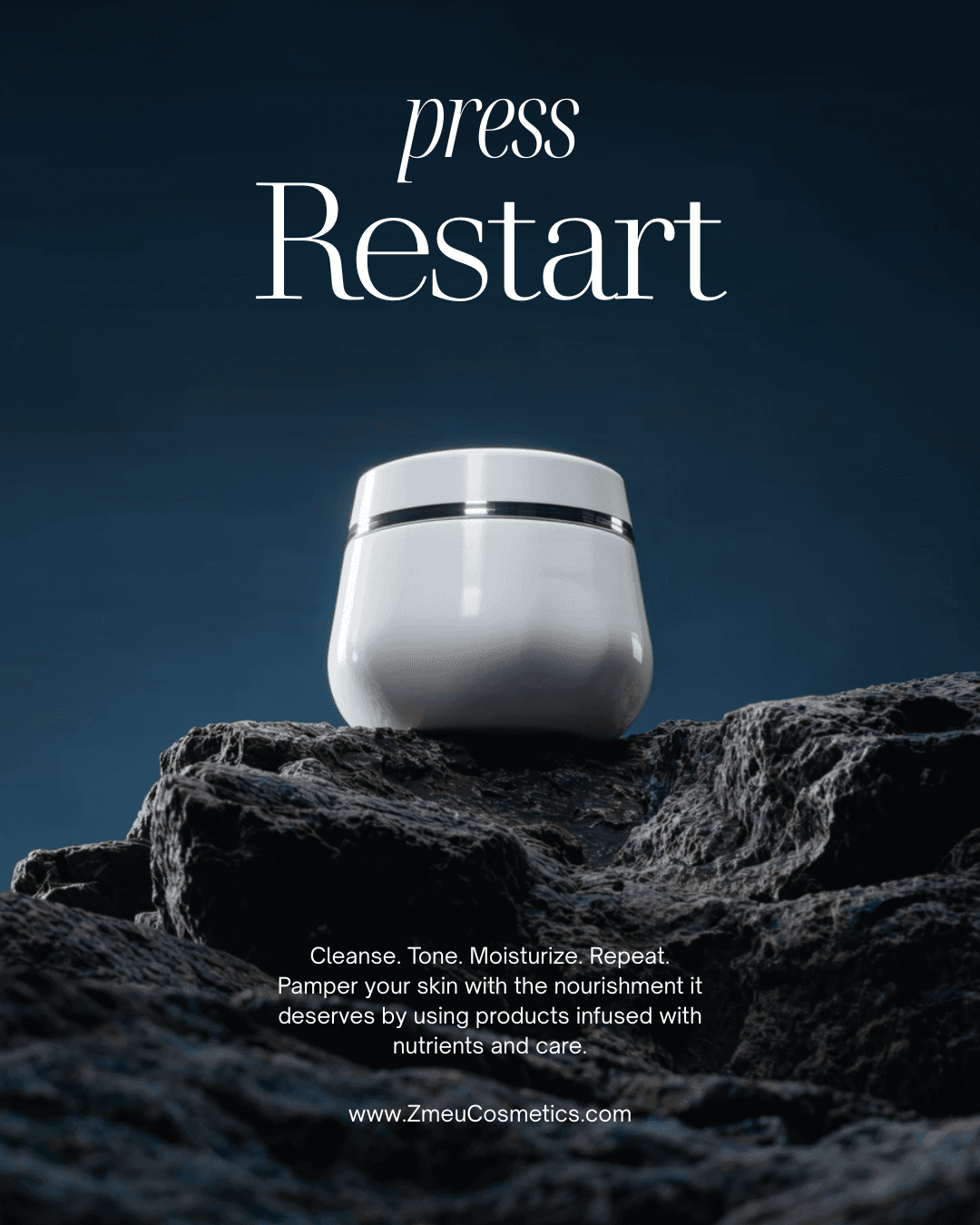
FROM SAVED PINS.
TO YOUR NEXT IDEA.
Connect Pinterest, explore your boards, and bring the images that inspire you into ZMEU. Recreate a mood or visual direction with your own products and brand.
Your boards, beside your workspace.
Connect your Pinterest account in ZMEU, then browse your boards and their image pins. Keep a seasonal moodboard, a product launch, or a collection of visual ideas close to the work. Choose the references you want to bring into the editor or agent conversation.
Find the idea behind the image.
Look for what makes a pin interesting: the light, a color combination, a setting, or the way a product is framed. Add selected pins as visual references and tell the agent which details inspire you. Build a clear direction from the images you have already saved.

Recreate the feeling. Make it yours.
Add your own product or character reference alongside your chosen inspiration. Ask the agent to recreate the mood with your subject, explore another setting, or create a fresh campaign concept. Review the result, refine it in the editor, and keep the versions that suit your brand.
Use the warm light and playful styling from these board references. Create a new campaign image with my product and a soft peach background.
Turn your inspiration into a brief.
Tell the agent what you like about the pins you selected and what should change. Use Pinterest references for the visual direction and your own photos for the product or character.
warm light · playful product scenes
editorial styling · bold colors
A different board for every direction.
Keep inspiration organized around the campaign you are working on. Bring selected references into ZMEU alongside the right brand context, then explore ideas for a launch, a season, or a new collection.
ЧАСТО ЗАДАВАЕМЫЕ ВОПРОСЫ
How do I connect Pinterest?
Open the Pinterest option in your editor workspace and choose Connect Pinterest. Authorize your account, then browse the boards and image pins available through the connection.
Can I recreate ideas from my boards?
Yes. Select image pins as references, add your own product or character photos, and describe the direction you want. ZMEU uses those references to guide a new generation; results are not exact copies of the original pins.
Can I use more than one reference?
You can add selected image references to your agent conversation. Explain the role of each one, such as lighting, color, or composition, alongside your own product reference.
Does connecting a board generate images automatically?
No. You choose the references and request the generation. Connecting Pinterest and browsing inspiration are separate from creating a new image.
Does generation use credits?
Image generation uses the credits shown for the selected model and settings. Your Pinterest connection does not include unlimited image generation.
БОЛЬШЕ ИДЕЙ.
ПРАКТИЧНО
РУКОВОДСТВА.
Читать блог
Создавайте лучшие подсказки для изображений с упоминанием продукта и бренда

Редактируйте загруженные и сгенерированные ИИ фотографии перед публикацией