Bring in your real footage
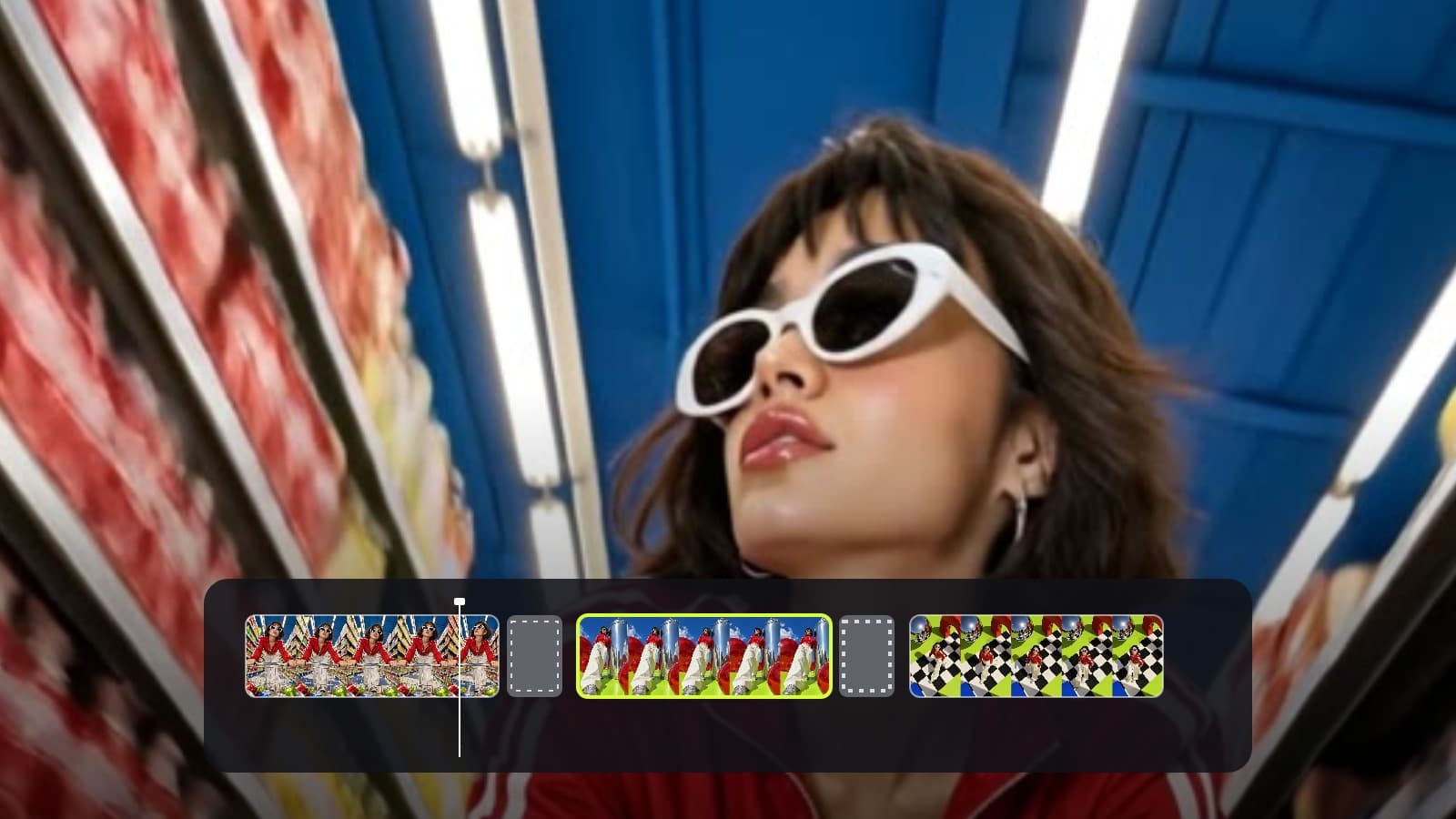
Open Video Editor and add the podcast, interview, product demo, or phone recording to a project. Place clips on the timeline, listen through the important parts, and keep the original recording available while you edit.
Video editing
Recorded an hour of conversation? Cut the slow parts, add captions and music, and make a shorter version for social media.
Example: A founder recorded a 45-minute interview. Keep the strongest two-minute answer, cut the pauses, add readable captions and export a vertical clip.
Open Video Editor and add the podcast, interview, product demo, or phone recording to a project. Place clips on the timeline, listen through the important parts, and keep the original recording available while you edit.
Use the timeline waveform and preview to find a pause or false start. Split around it, remove that section, and close the gap with a ripple edit. Trim the beginning and end, rearrange strong moments, or ask the editor Agent for a specific cut, then review its result.
Generate captions from the spoken audio, correct names and timing, and choose a readable caption style. Add titles, music, sound, transitions, or motion graphics where they help explain the story.
Change the canvas format for a vertical Reel or a wider presentation, then check framing and text placement in the preview. Export the version you approve and write a channel-specific caption before scheduling it.
A reviewed short clip or full-length edit that you can export in the format your audience needs.
Создать аккаунт