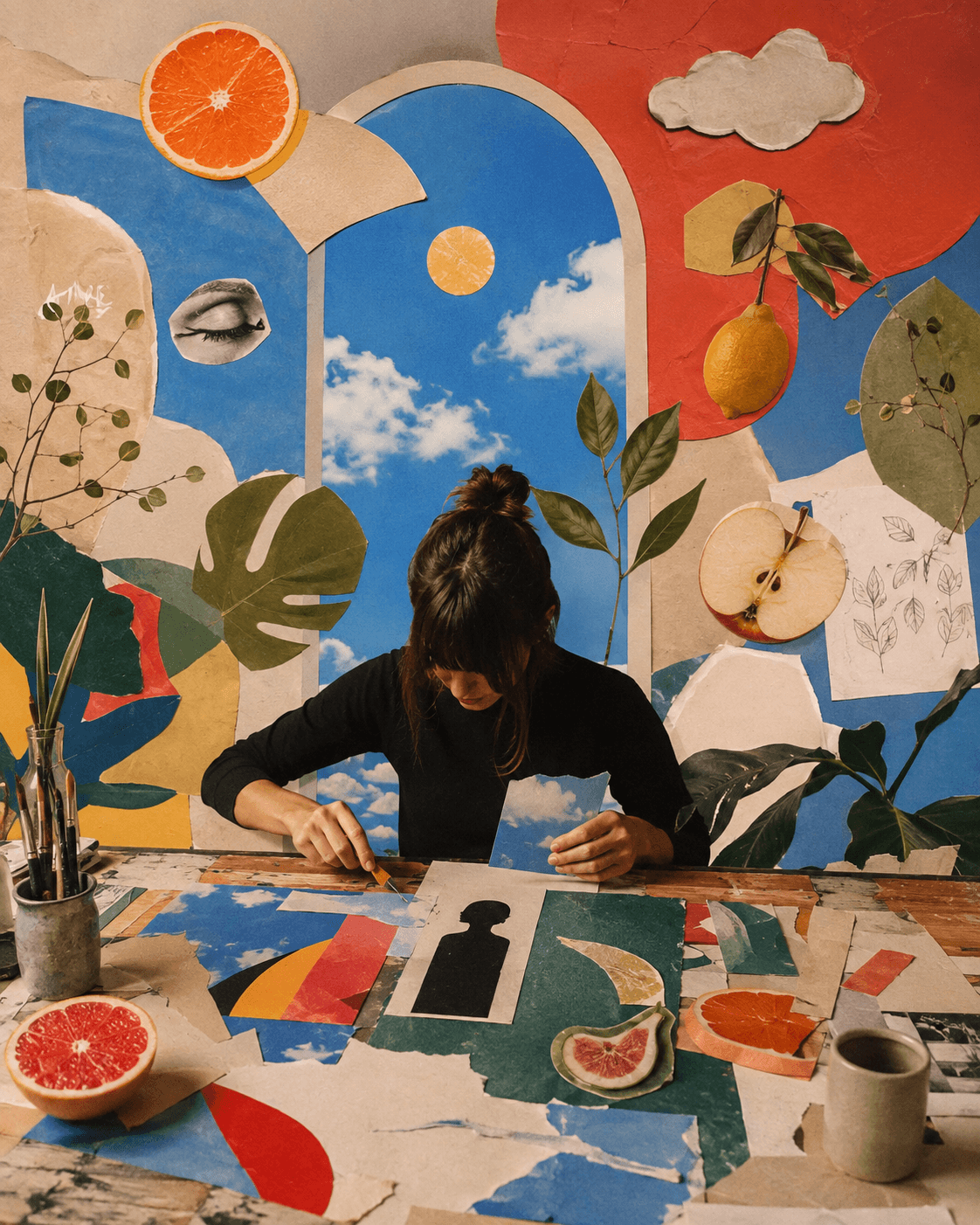
IDEAS THAT MOVE.
STORIES THAT STICK.
Create clips from text or images, explore a new scene, and carry your footage into the video editor.
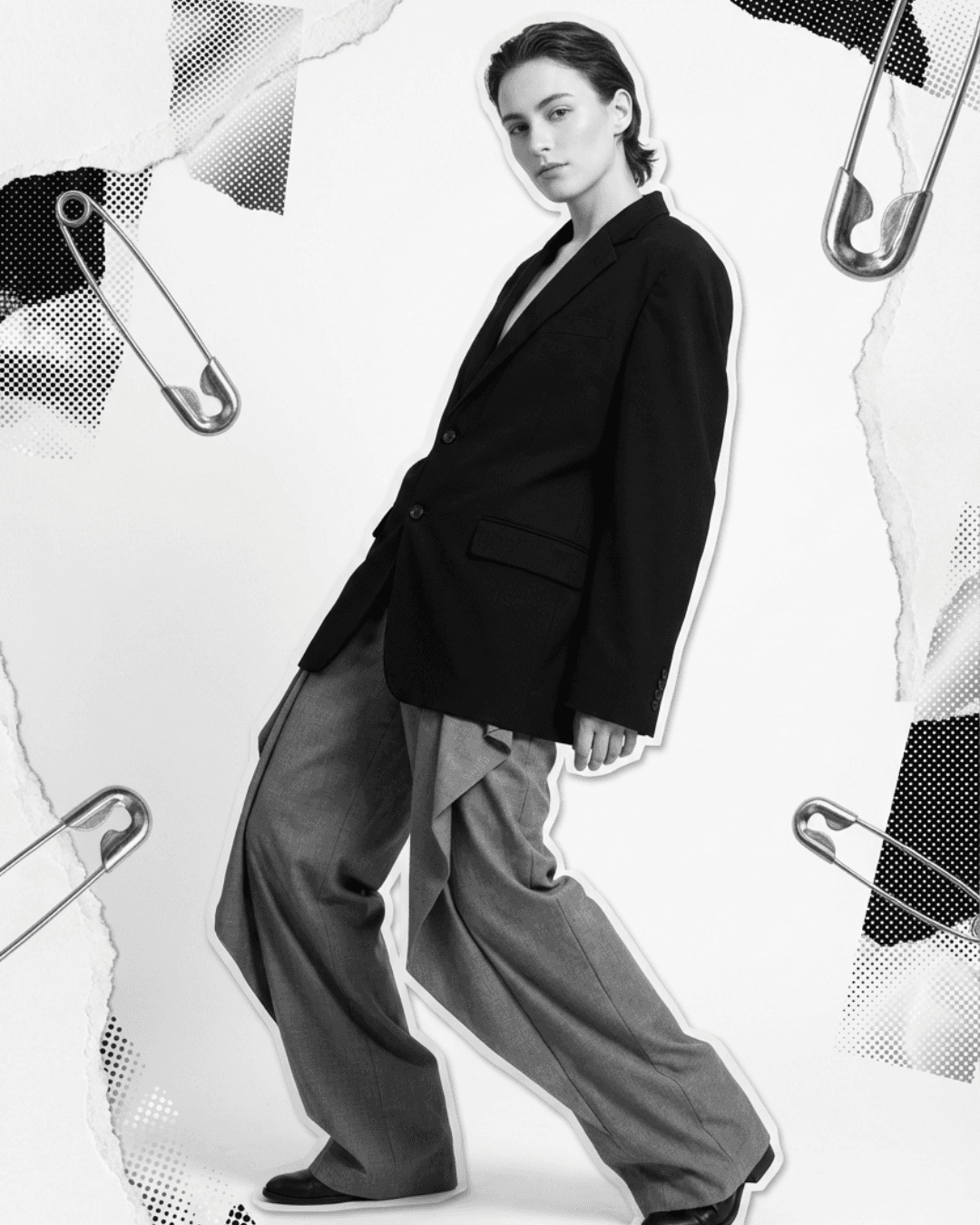
Turn a still into a scene.
Start with a prompt or use an image as the first visual direction. Describe the subject's action, camera movement, setting, and pace. A product reveal needs a different brief from a lifestyle moment or a surreal social clip. Choose a supported model and settings, generate a short scene, and review the movement and product details before building a longer edit.
Try something unexpected.
Try a slow camera push, a change of lighting, or an unexpected sense of scale. Be explicit about the action and the details that should remain recognizable. Reference and editing options vary by model, so use the controls shown for the model you select. A clear, focused scene is easier to assess than a prompt asking for many unrelated events at once.
Make the clip part of a story.
Bring the clips you choose into the video editor alongside your own footage. Arrange them on the timeline, cut unnecessary moments, and add the text, captions, and audio that make the story work. Generate another shot if you need a transition or closing scene, then return to the edit. Review the final framing for the channel where the video will appear.
Turn this product image into a slow reveal. Move the camera gently toward the bottle, keep the background calm, and use soft window light. No text in the generated clip.
Brief the shot in a conversation.
Use the video agent to explain what should happen on screen, then refine the prompt and the result. Describe motion rather than only listing visual adjectives. When you want to edit or extend a source clip, make that request explicit and use a model that supports the operation. You can then shape the generated footage with the timeline tools.
slow reveal · soft natural light
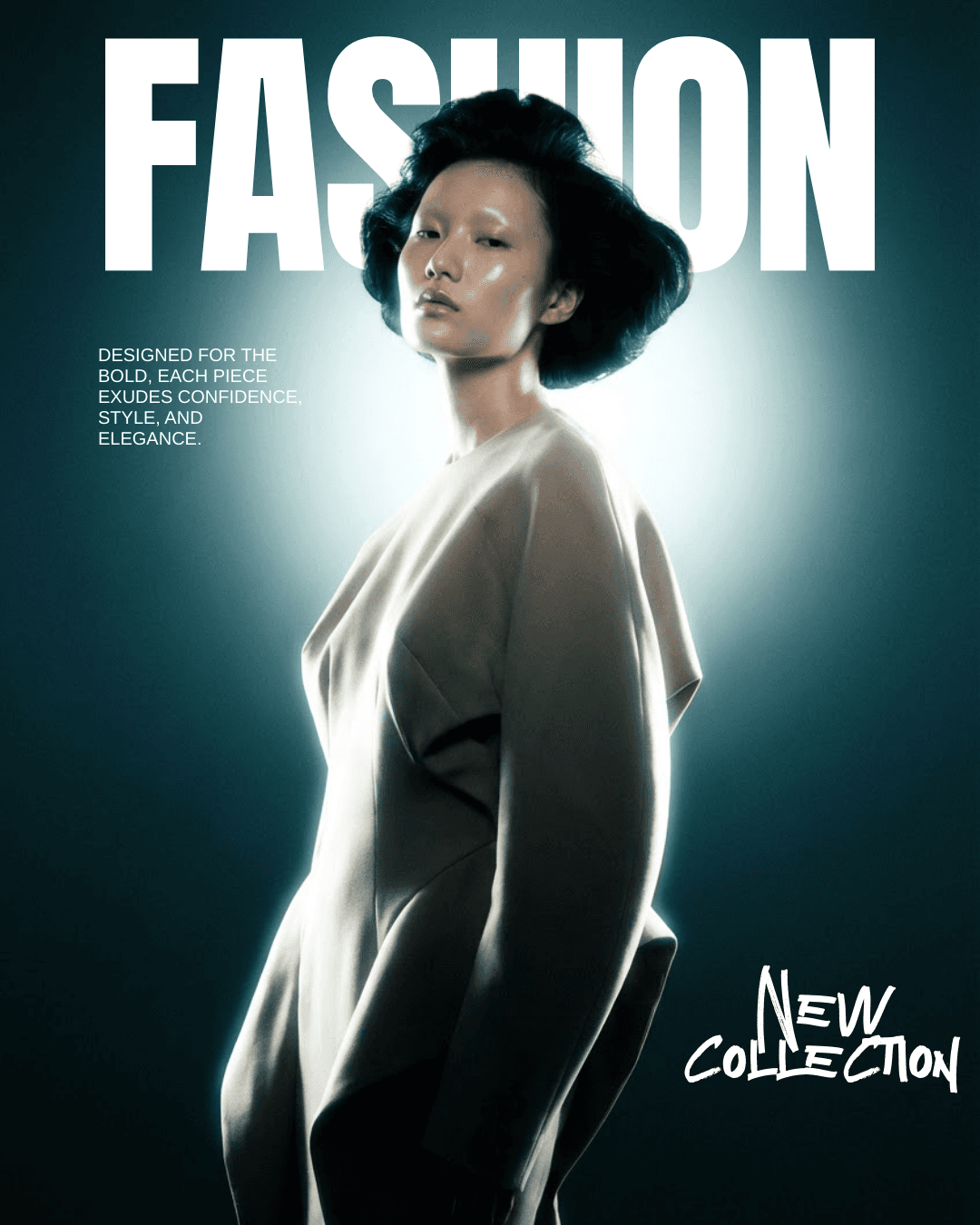
expressive movement · punchy social cuts
Different clients. Distinct moving stories.
Keep each client's visual references and campaign brief with its brand. A restrained product story and an energetic fashion launch should have different pacing, lighting, and framing. Use the selected client context when briefing the footage, then collect the chosen clips in that client's project. Check logos, product details, and the final edit before sharing it for review.
FREQUENTLY ASKED QUESTIONS
Can I create video from an image?
Yes, with supported image-to-video models. Supply the image and describe how the subject or camera should move. The image guides the scene, but generated details can still change.
What should a video prompt include?
Include the subject, action, setting, camera movement, lighting, and pace. Keep the sequence focused and specify important details that should remain recognizable.
Can I edit or extend an existing clip?
Supported modes depend on the model. Use the video-edit or continuation controls when available and state the change clearly. Other models may offer a reference remix rather than an exact extension.
Can I combine generated clips with my own footage?
Yes. Bring both into the video editor, arrange them on the timeline, and refine the sequence with text, captions, and audio.
Are all durations and resolutions available on every model?
No. Available durations, resolutions, reference modes, and credit costs vary. Review the settings shown for your selected model before generating.
How do I prepare a clip for a client's campaign?
Start with the client's references and brief, review the generated details, and complete the edit in the client's project. Prepare the format and caption for the intended platform before scheduling.
MORE IDEAS.
PRACTICAL
GUIDES.
Read the blog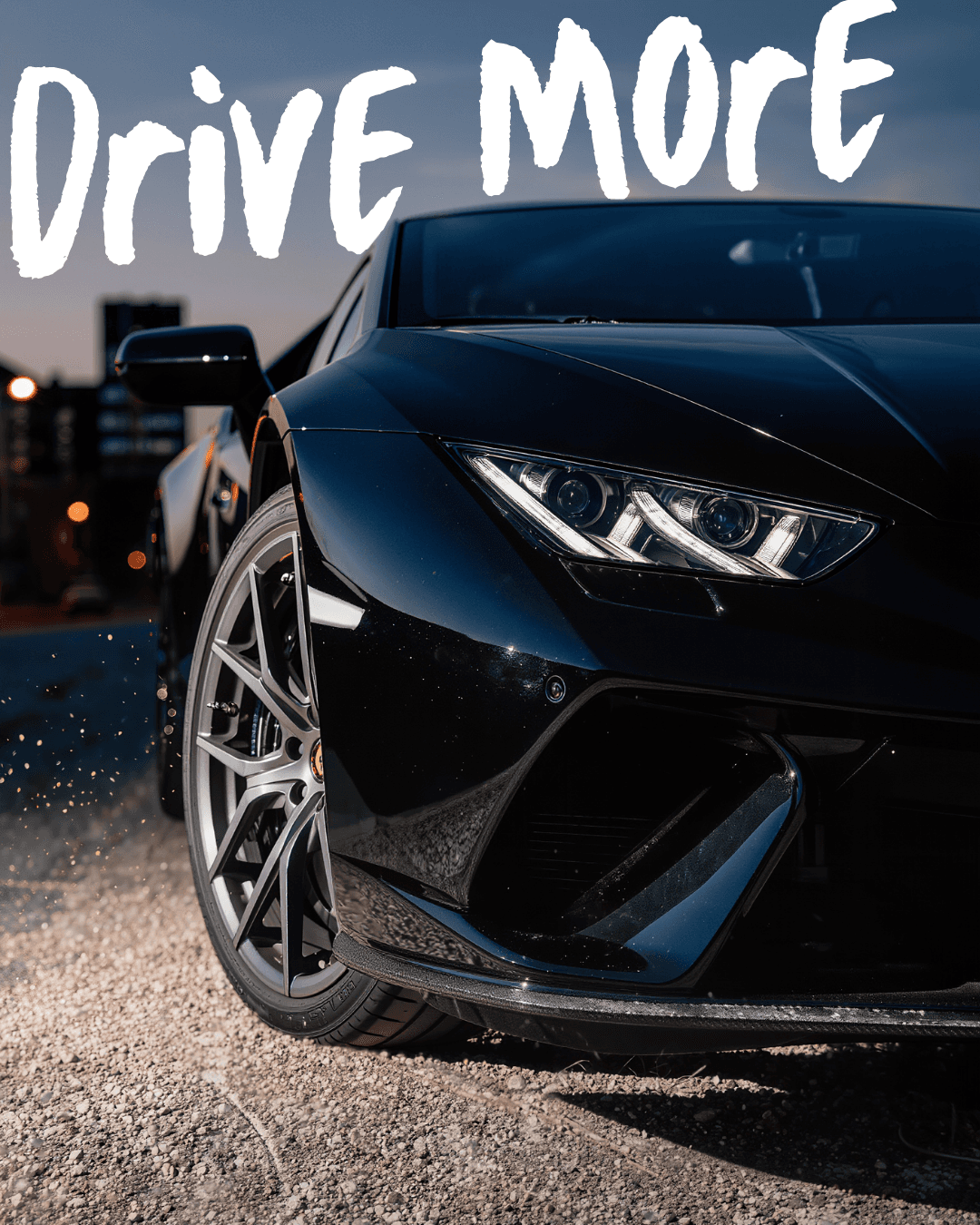
From a brand brief to a generated video and a finished edit
Repurpose one idea into Reels, TikTok, feed posts and Shorts