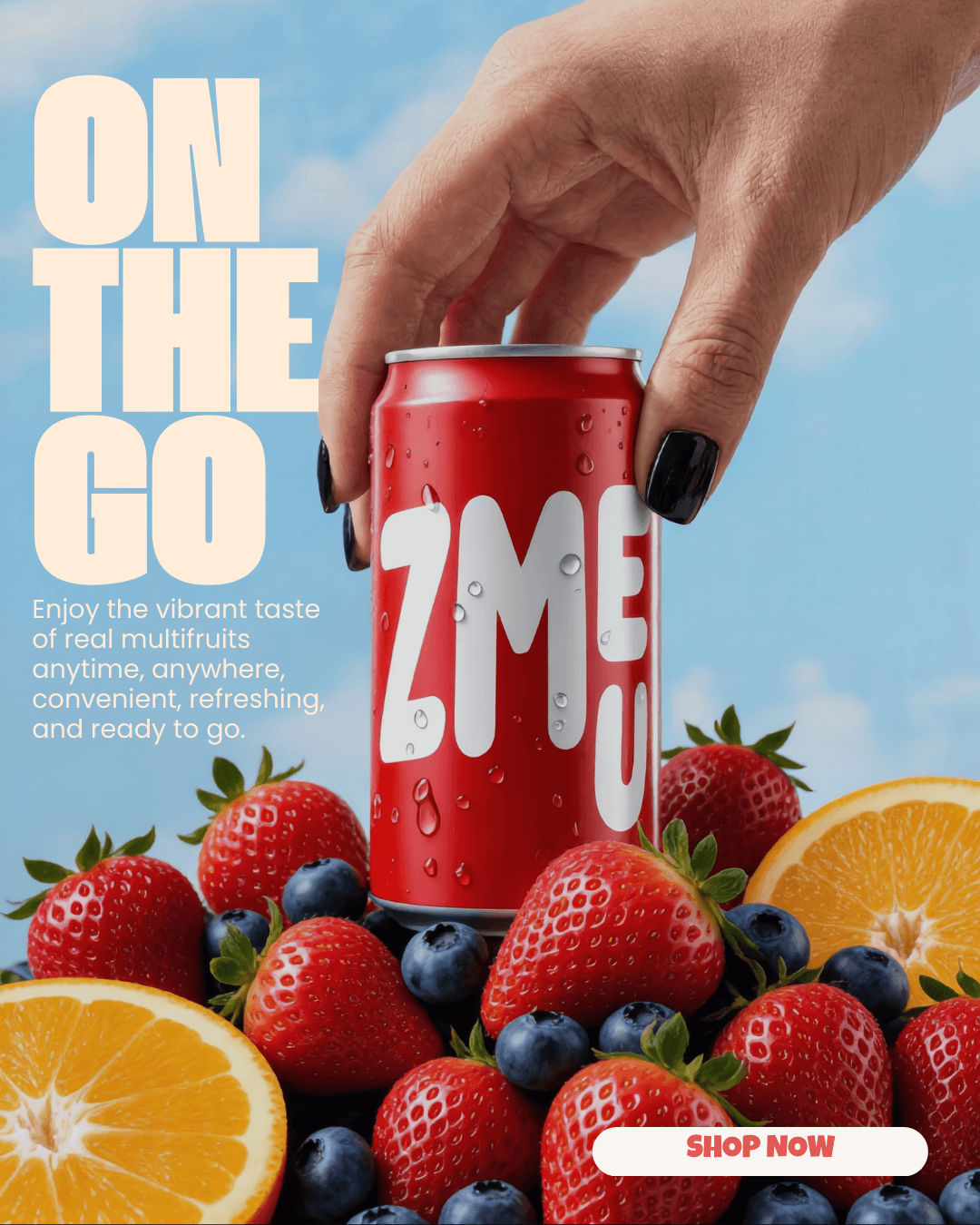
ONE IDEA.
A WEEK OF CONTENT.
Turn a product, offer, or campaign into a set of visuals and captions. Review the week before anything goes live.

Fill the week with a clear direction.
Start from a product, an offer, or a clear weekly goal. Your brand context gives the plan its audience and tone, while the brief explains what needs attention this week. Create different post concepts rather than repeating a single image. Review the proposed ideas, choose a direction, and prepare visuals and captions that belong to the same campaign.
Give each post its own perspective.
Give the week a useful mix: a product spotlight, a lifestyle scene, an educational angle, or an offer. Ask for distinct compositions and messages, with a shared creative direction. A brand can explain one product from several perspectives; an agency can apply the same planning process to different client briefs without making their content interchangeable.
Review the plan before you publish.
Treat the generated week as a draft to review. Check the visuals, factual details, captions, and intended platform, then make edits where the plan needs them. Move the approved content into the calendar and select dates and times. This keeps the idea, media, and publishing details connected while leaving the final decision with your team.
Plan five posts for this product launch: a spotlight, a lifestyle idea, a useful tip, a behind-the-scenes angle, and a reminder. Use our brand voice and give every post a different visual direction.
Brief the week, then refine each post.
Tell the agent what the week should achieve and what kinds of content you want. Mention the active brand, the featured product, and any offer details that need to be exact. Ask for a different angle when two concepts feel too similar. Continue with the image or editing tools for the selected posts, then review their captions before scheduling.
weekly specials · community-focused captions
product education · ingredient-led visuals
A weekly rhythm for every account.
For your own brand, use saved context to avoid briefing the same audience and tone from scratch. For an agency, work through one client brand and campaign at a time, then switch context for the next account. Keep dates, promotions, approvals, and connected channels client-specific so a repeatable planning process still produces distinct work.
FREQUENTLY ASKED QUESTIONS
What do I need to start a weekly plan?
A product or service, a target audience, and a goal are a useful start. Add the brand context and any offer details, dates, or references the plan should respect.
Will every post use the same image?
You can brief distinct creative directions and review the resulting variations. Ask for different compositions and content angles while keeping a shared campaign message.
Can I change a generated caption or image?
Yes. Treat the content set as a draft. Refine the copy, edit the image, or replace a concept before approving the posts.
Does generating a week publish it?
No. Review the content, then prepare and schedule the approved posts through the publishing workflow.
Can I create separate plans for multiple clients?
Yes. Select each client's brand and work from its own goals, products, references, and connected channels. Confirm the client context before preparing the next plan.
Can the same campaign work on different platforms?
Yes. Adapt the caption, crop, and format to the destination instead of assuming one version fits every channel. Check the post preview before scheduling.
MORE IDEAS.
PRACTICAL
GUIDES.
Read the blog
Create a week of social media posts from one product photo

Schedule one campaign across Instagram, TikTok, Facebook and LinkedIn