Resources/Write better image prompts with product and brand references

Image creation

Write better image prompts with product and brand references

Build a practical image brief around your subject, product references, composition, and brand direction, then refine the result in ZMEU.

1

Decide what the image needs to do

Name the subject, audience, and destination before choosing a visual style. A product page needs a different composition from an Instagram launch post. Decide whether the product, a person, or a short message should attract attention first. Choose a suitable ratio and leave room for copy if the final layout needs it.

2

Give each reference a purpose

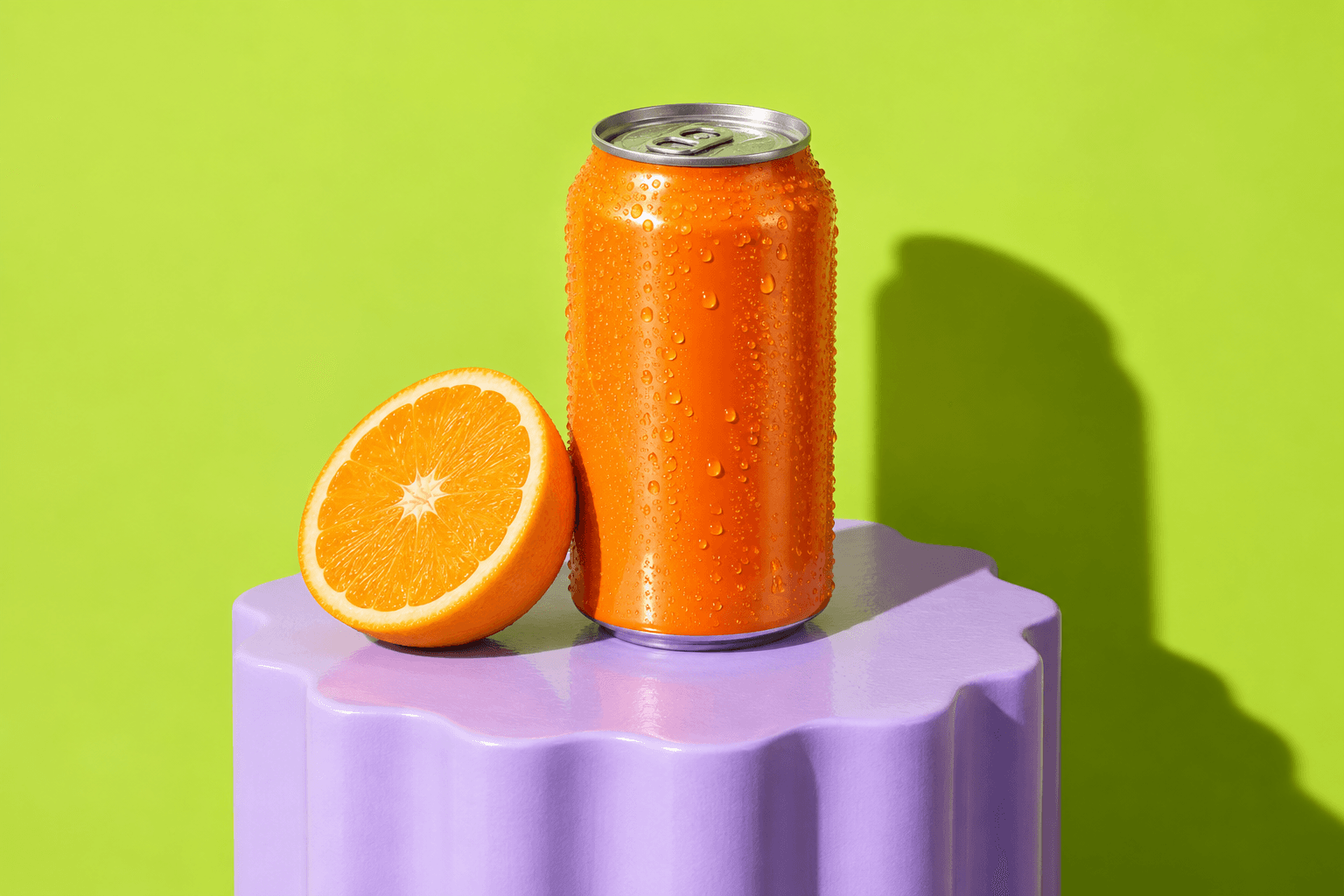
Attach a clear product image and identify the details that should stay recognizable. If you add a second reference for lighting or mood, explain that role separately. References guide generation, but they do not guarantee an exact copy of packaging, text, or other small details.

3

Apply the selected brand deliberately

For a brand campaign, select the correct brand and ask the agent to use its saved direction. Add the current goal and any exceptions. For an independent exploration, say that you want to work outside the brand palette. Agencies should verify the client context before starting each brief.

Subject and product details
Lighting and setting
Composition and copy space
Brand rules and task-specific exceptions
4

Review, then refine one change at a time

Check the product, composition, and brand fit. Ask for one specific change and name what should remain. Add exact prices, dates, and headlines as editable text in the photo editor when you need reliable revision control. Review the finished export at the size people will see it before preparing the caption and schedule.

Ready to try it yourself?

A clear image brief, a reviewed creative direction, and an editable asset ready for your campaign.

Create account

Related use cases

Write better image prompts with product and brand references | Zmeu Resources