ZMEU resources
AI marketing resources and guides.
Explore practical ZMEU workflows for automated post creation, AI photo and video editing, campaign planning, content calendars, captions, scheduling and one-click social media publishing.
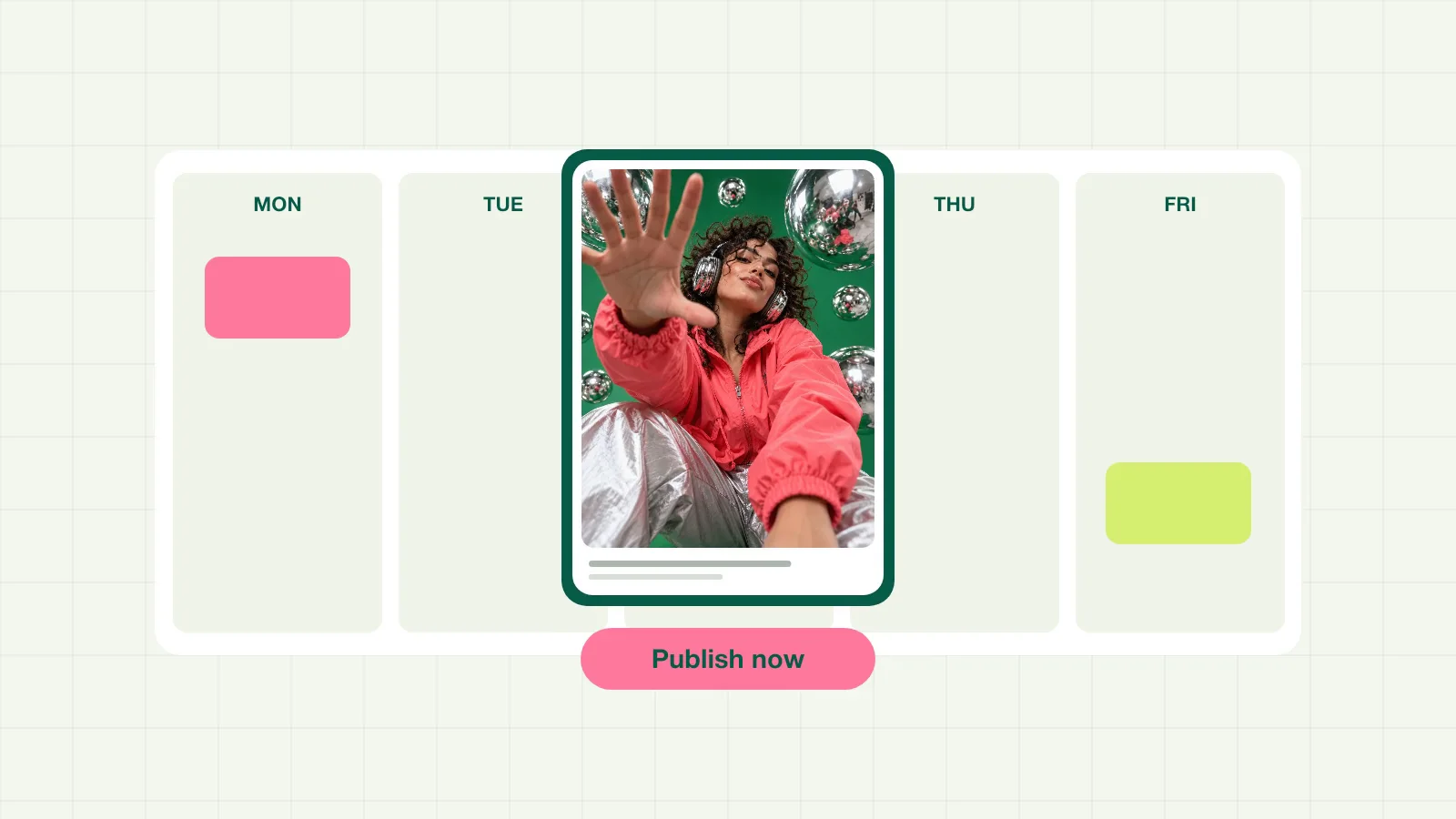
Plan a week of content with Weekly Mode
Plan post ideas, visuals, captions, and channels for a whole week, then review each item before it goes live.

Schedule one campaign across Instagram, TikTok, Facebook and LinkedIn
A practical workflow for turning approved content into a weekly calendar with platform-specific captions, dates, times and publishing status.

Edit uploaded and AI-generated photos before they go live
Use ZMEU to bring in your own photos or generated visuals, then crop, resize, rewrite text, adjust layouts and prepare clean exports for social channels.
Turn campaign goals into angles, captions and a posting plan
Start with an offer, audience and competitor context. ZMEU creates campaign directions, weekly themes and content ideas your team can review and schedule.
Manage content for multiple client brands without switching tools
Agencies can keep client accounts, product references, brand voice, calendars, captions and publishing workflows in one AI marketing workspace.
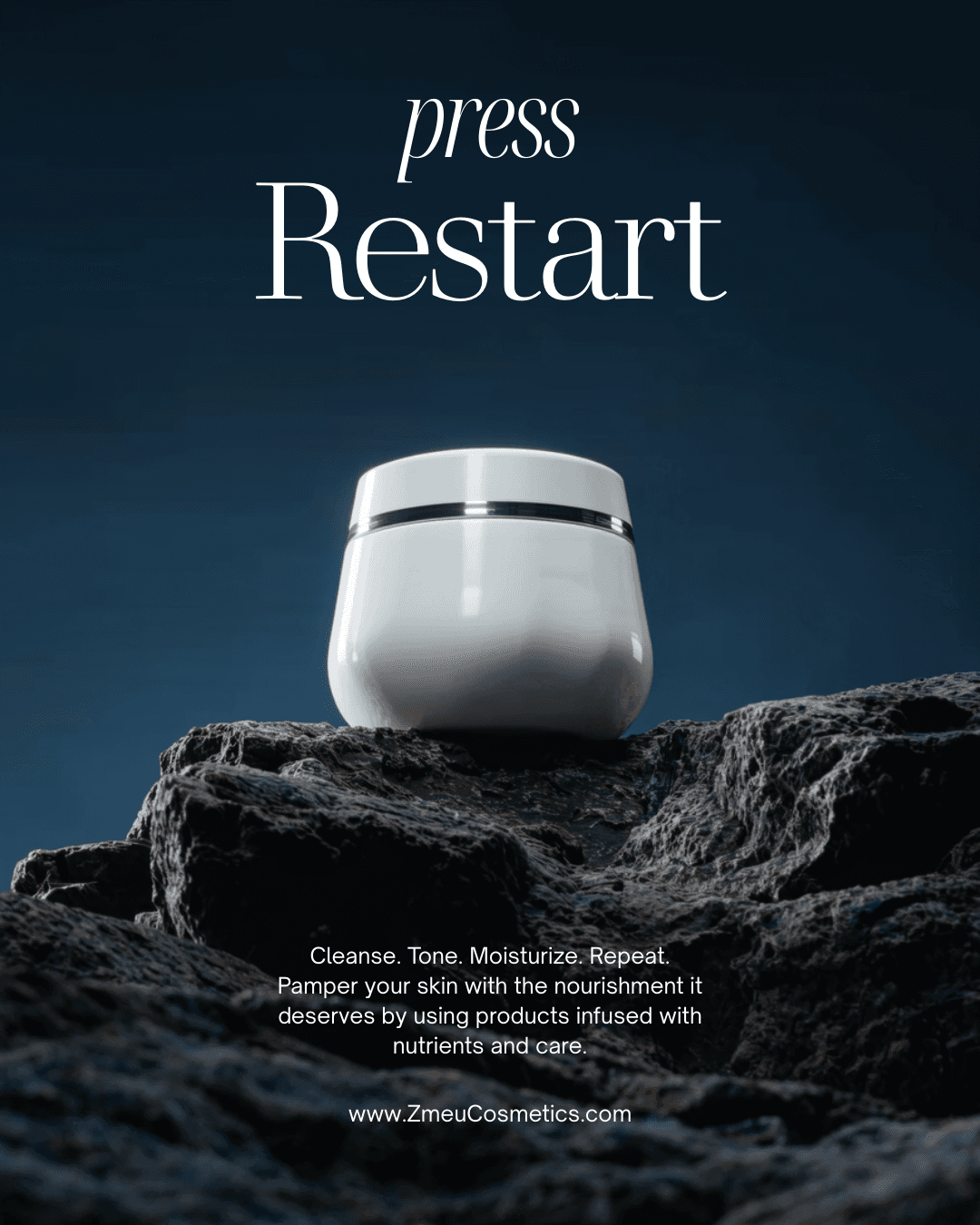
Set up brand memory once and generate content with no new prompt
Add your products, tone of voice, visual direction and campaign context once. ZMEU remembers the brand and can generate weekly content from saved context.
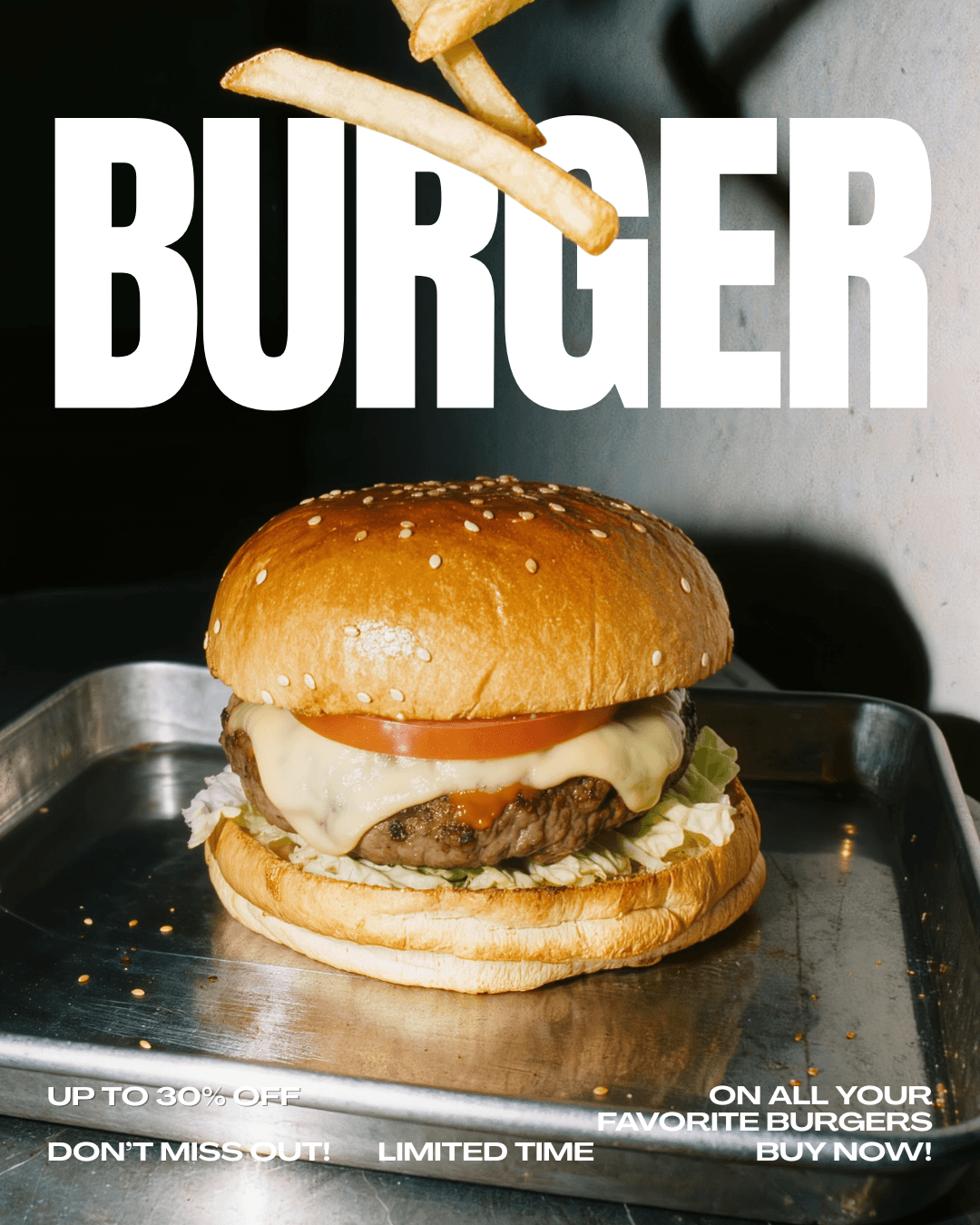
Create social media content for service businesses
Turn appointments, offers, customer questions and local promotions into educational posts, short video ideas, captions and a weekly publishing schedule.
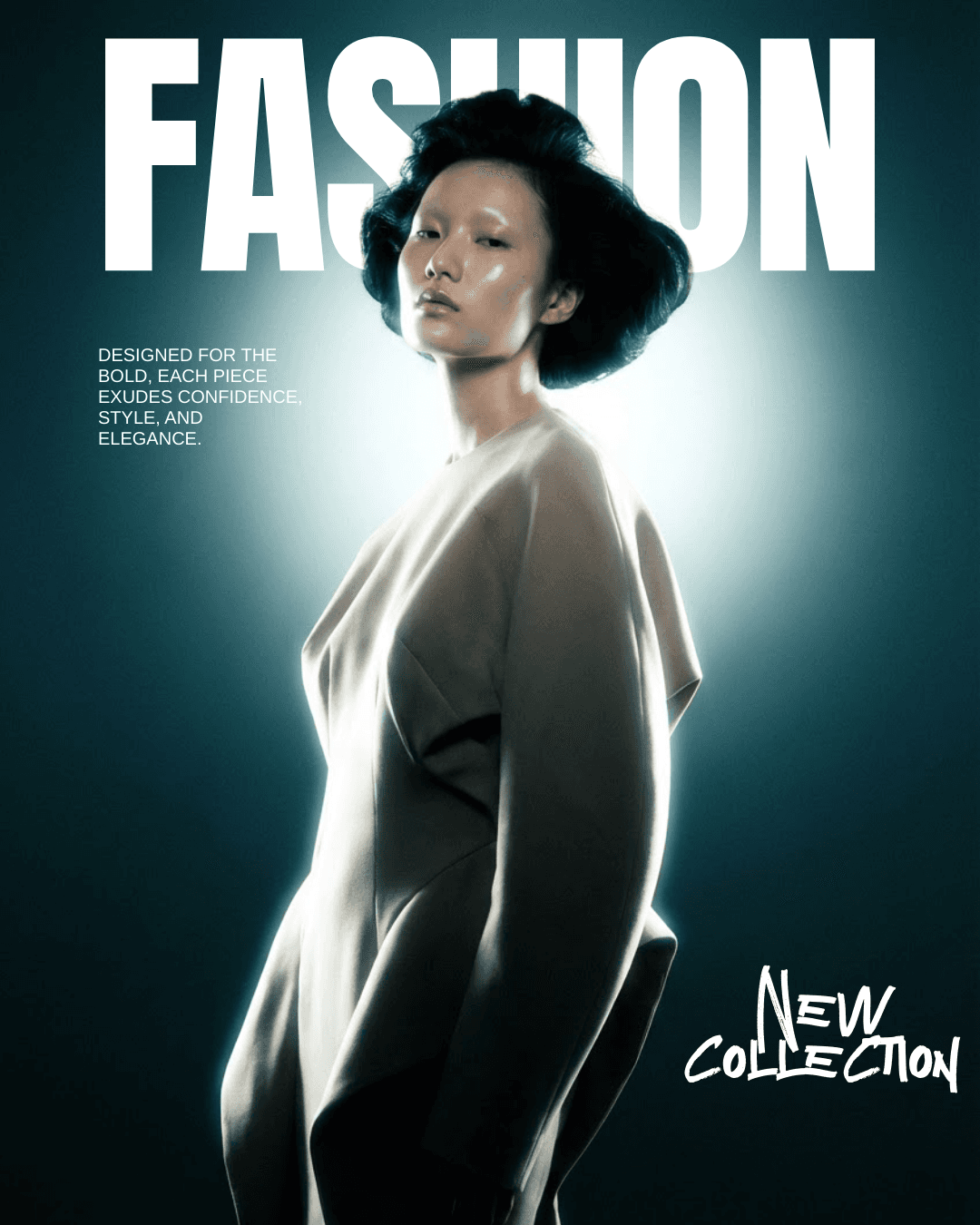
Repurpose one idea into Reels, TikTok, feed posts and Shorts
Use the prompt studio to turn one creative idea into different social media formats, then edit photos, videos and captions before publishing.
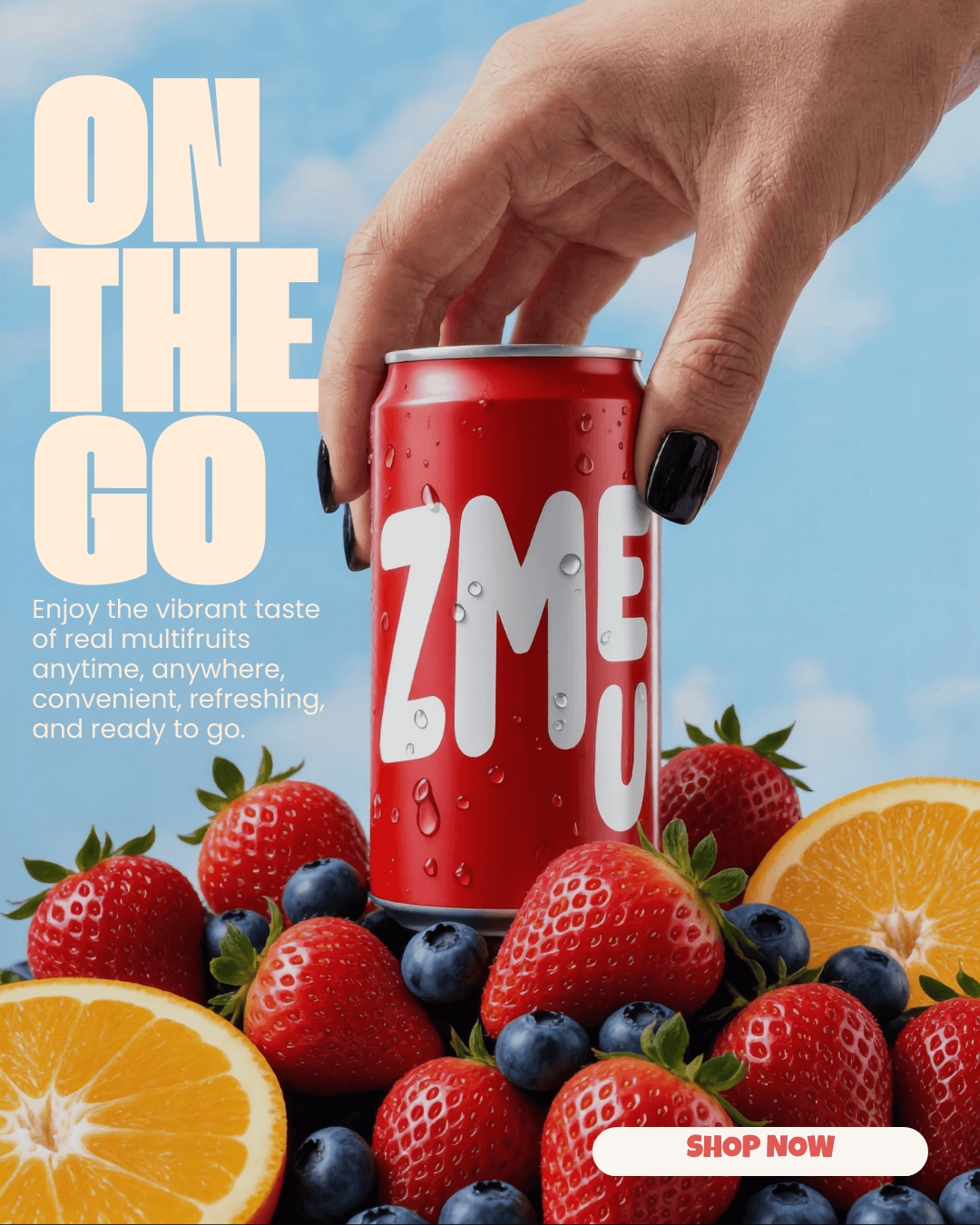
Launch a seasonal offer campaign without a full marketing team
Build a campaign plan, generate visuals, write captions, schedule the week and publish across connected social media accounts from one place.
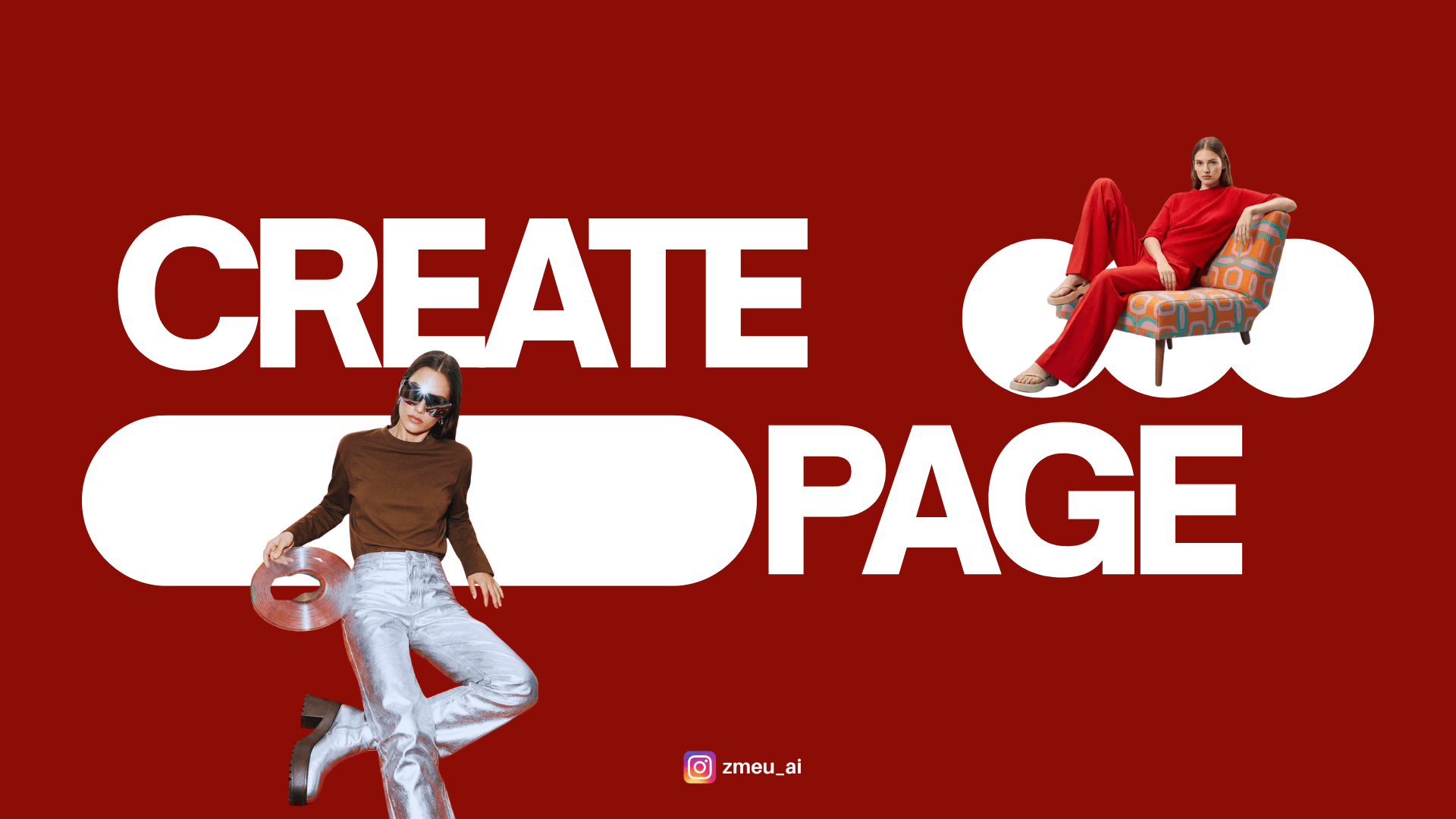
Create images and videos in ZMEU
Turn a written idea or visual reference into an image or video, then refine the result for your brand and channel.
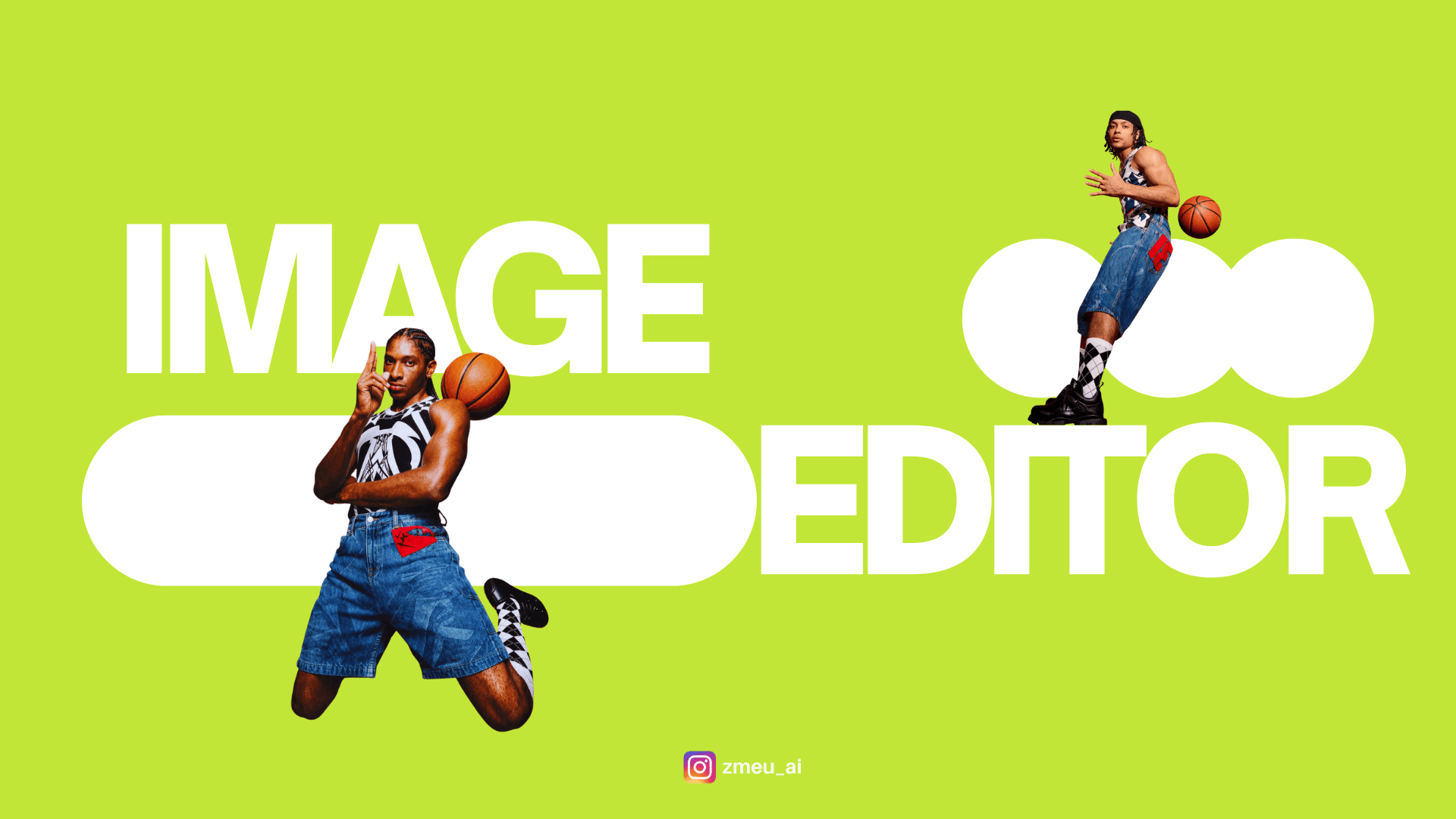
Explore the ZMEU photo editor
Recreate a visual direction, edit photos with chat or hands-on tools, build layered designs, and add motion for social content.

Write better image prompts with product and brand references
Build a practical image brief around your subject, product references, composition, and brand direction, then refine the result in ZMEU.
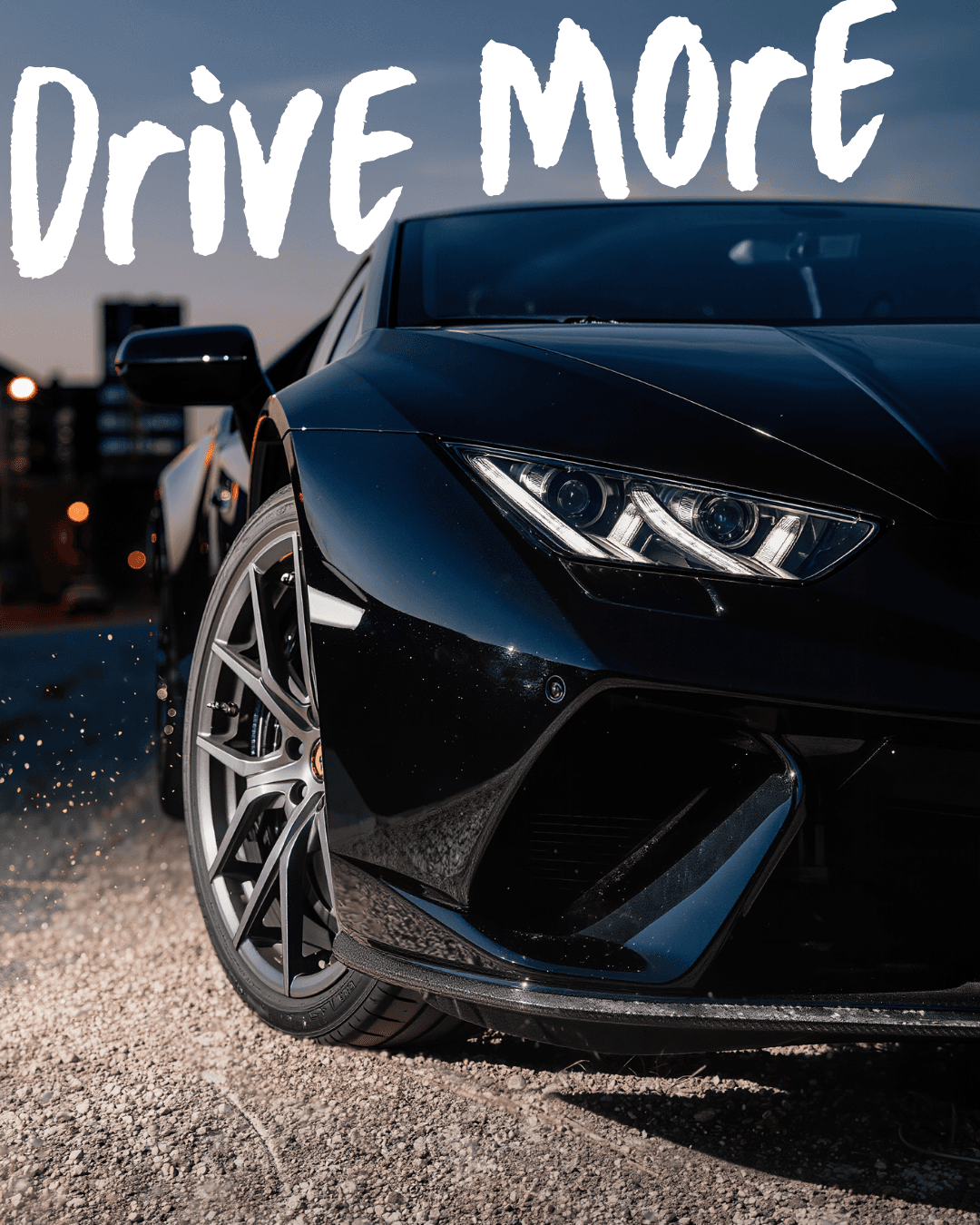
From a brand brief to a generated video and a finished edit
Describe a useful video shot, generate it with references, and combine the result with your own footage in ZMEU's video editor.
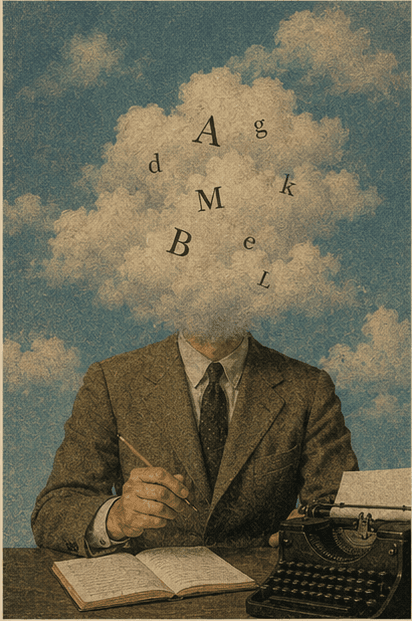
Turn scattered notes into a brief your creative team can use
Organize campaign goals, product facts, references, and feedback in ZMEU Notes & Docs before moving into creative production.
What you can make in ZMEU without AI
Use your own photos, video and words with manual editors, Notes and the content calendar. Generation is optional.
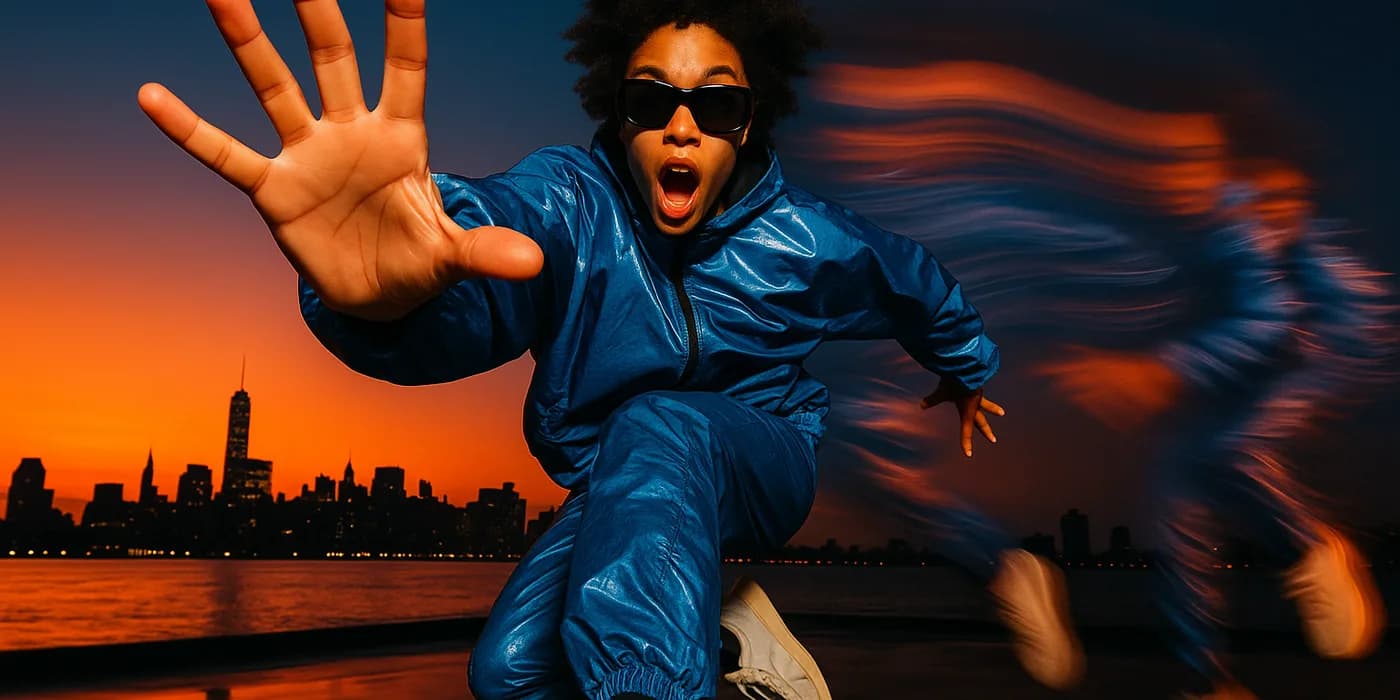
Turn a long recording into a video people want to watch
Recorded an hour of conversation? Cut the slow parts, add captions and music, and make a shorter version for social media.
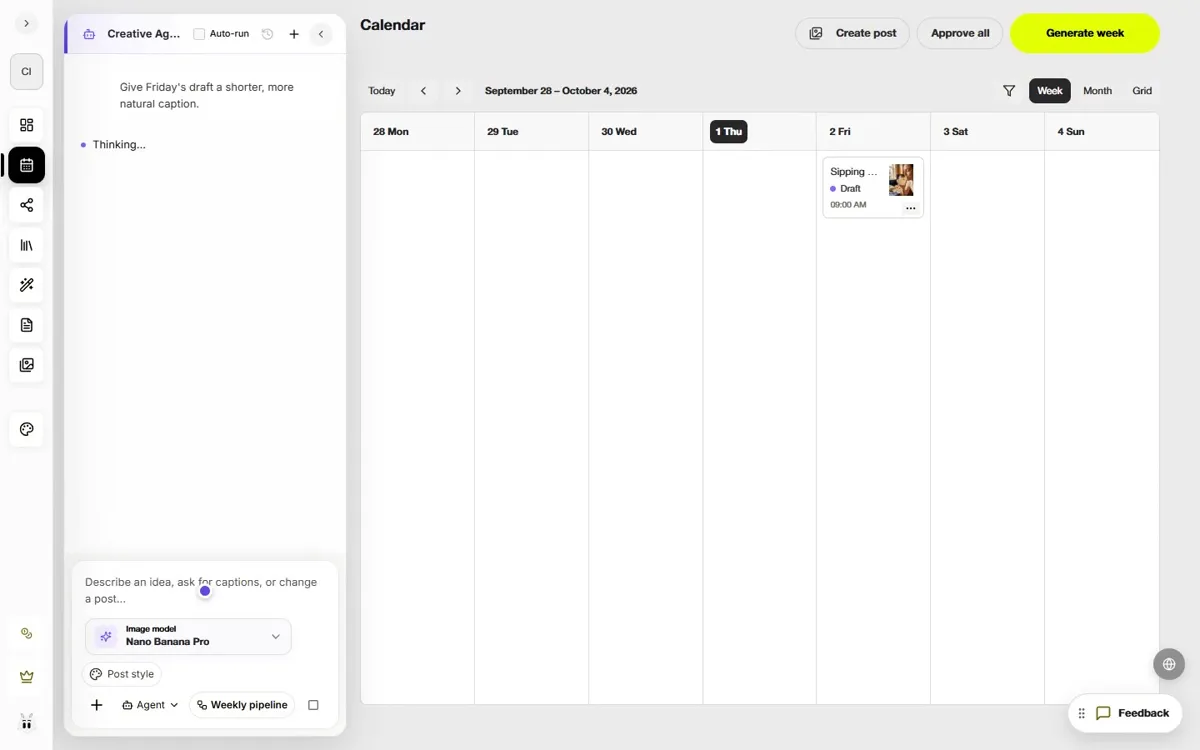
Save a draft, plan the week, then publish when you are ready
Follow a real post from first idea to a saved draft, a weekly plan, and a scheduled date.
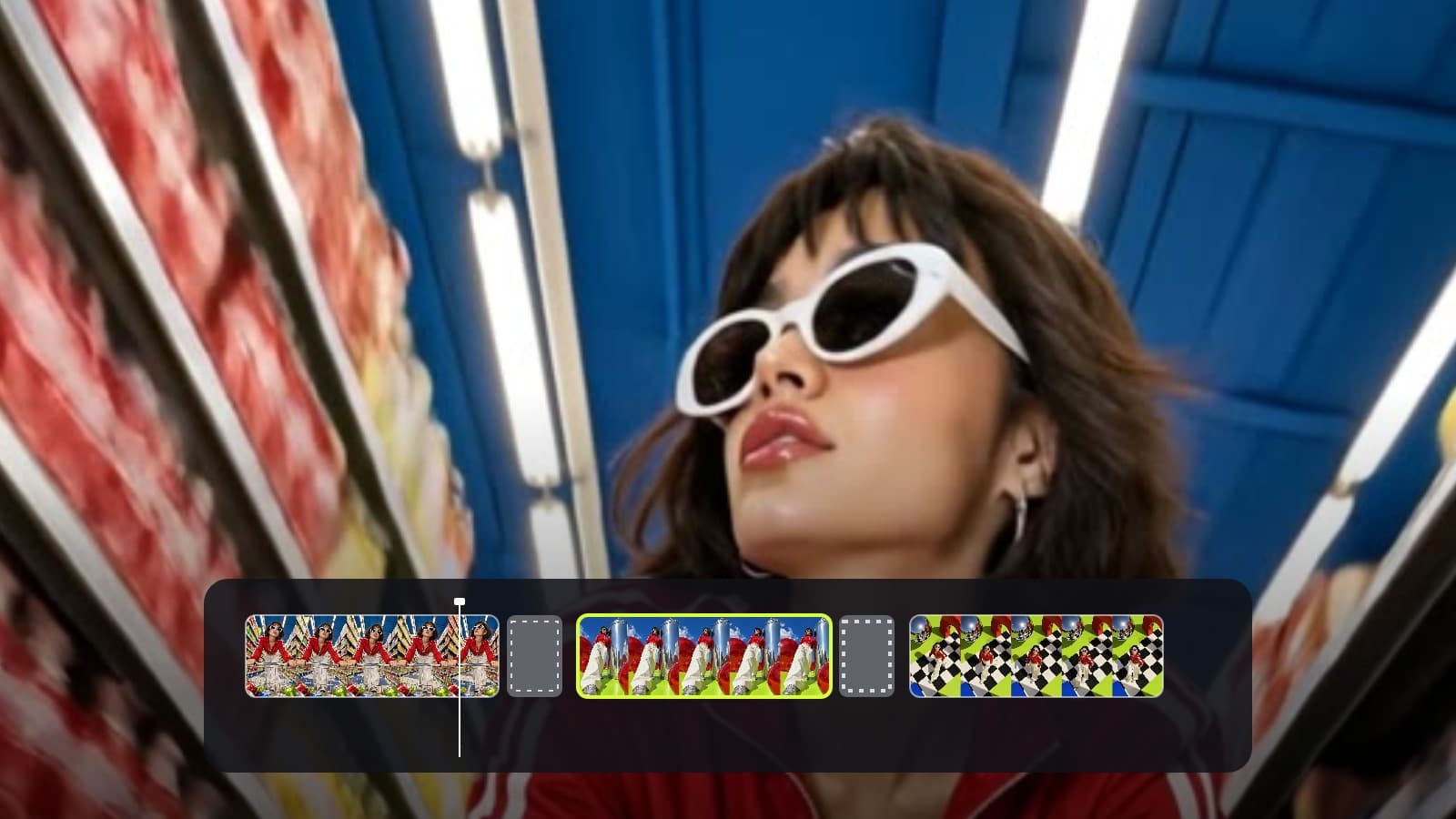
Make a polished product video without generating anything
Want a clean product presentation? Start with your own images and video, add ready-made motion, and replace the text with yours.
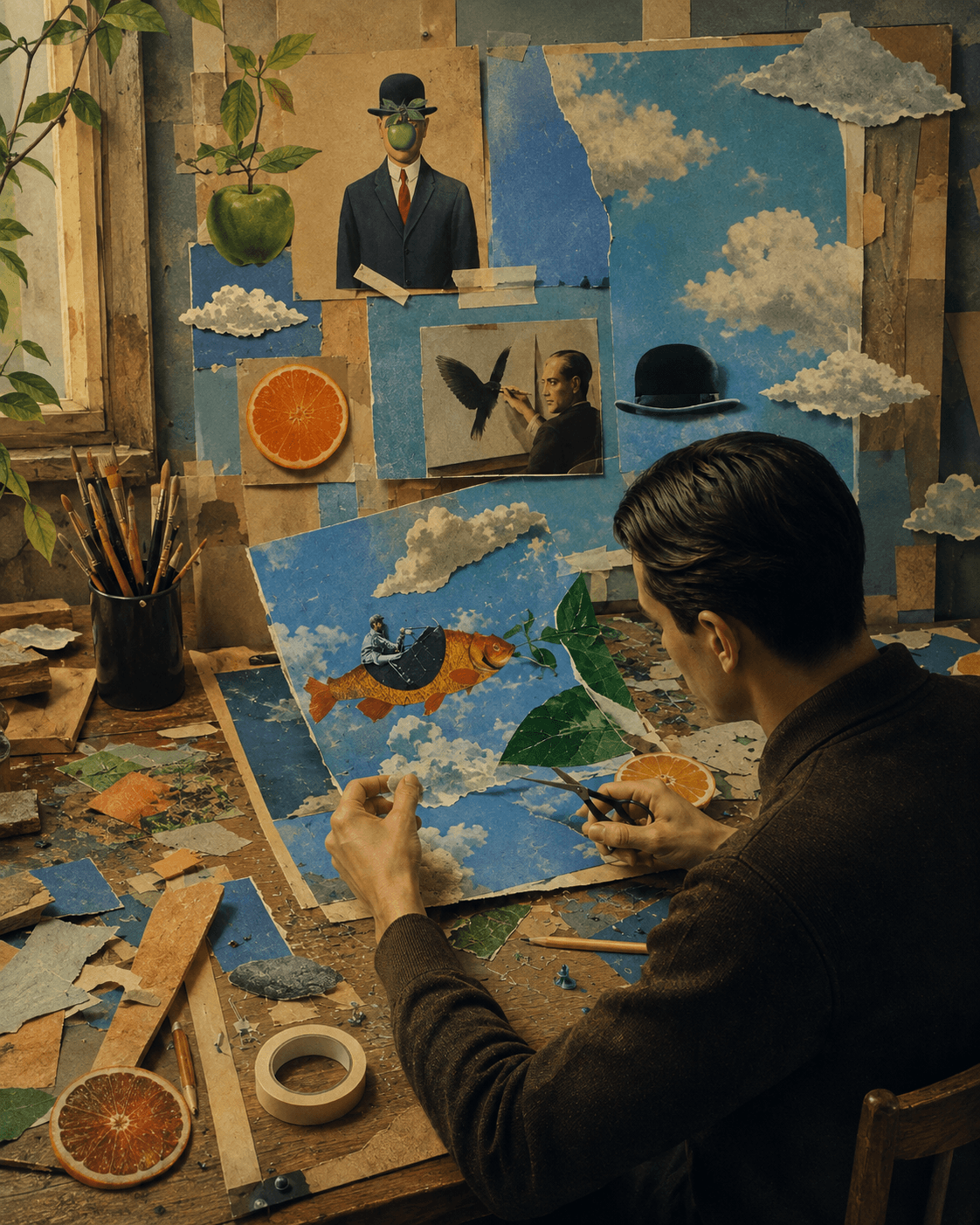
Make another language version of your video
You can keep the original footage and create translated on-screen text, captions, and a new voice track in another language.
Post across your channels and learn what worked
Made a post you like? Connect your accounts, schedule it, then use real performance data to shape the next one.
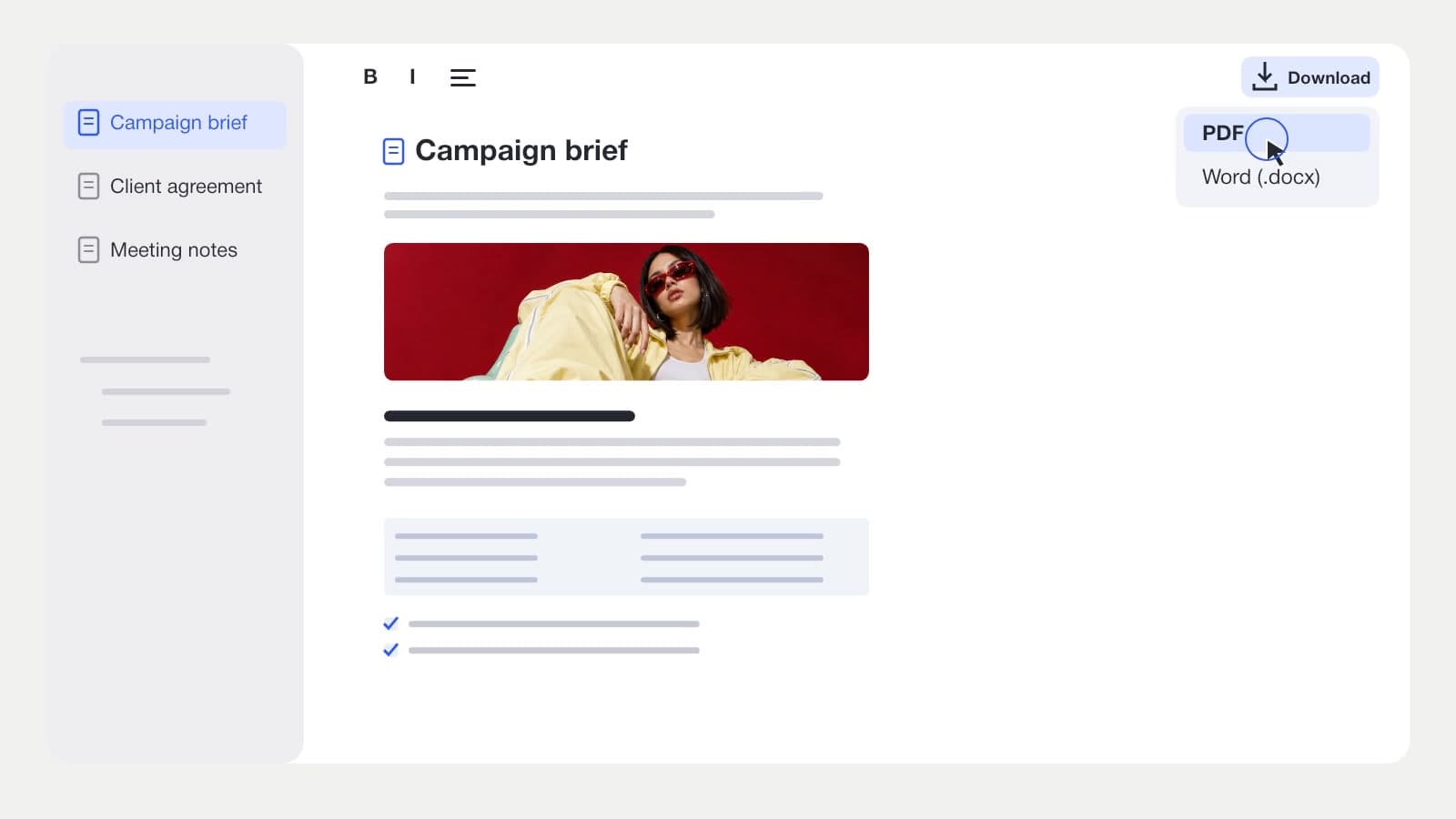
Turn a rough idea into a document and a post
An idea at 2 a.m. can start as a note, become a clear brief, and then guide a real piece of content.
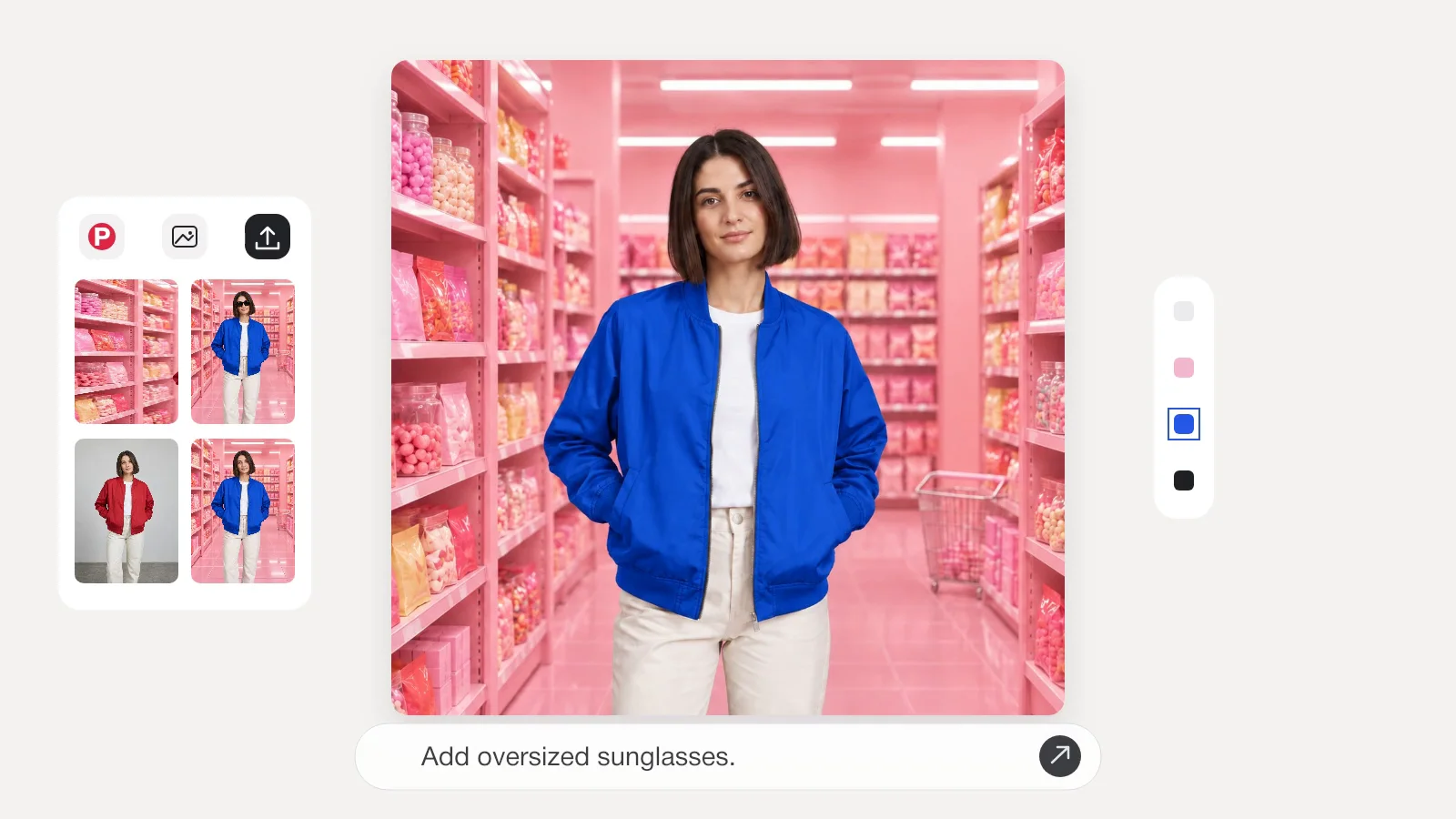
Product ad prompts for one photo
Turn one product photo into five distinct ad directions, from a clean hero shot to an in-use scene.
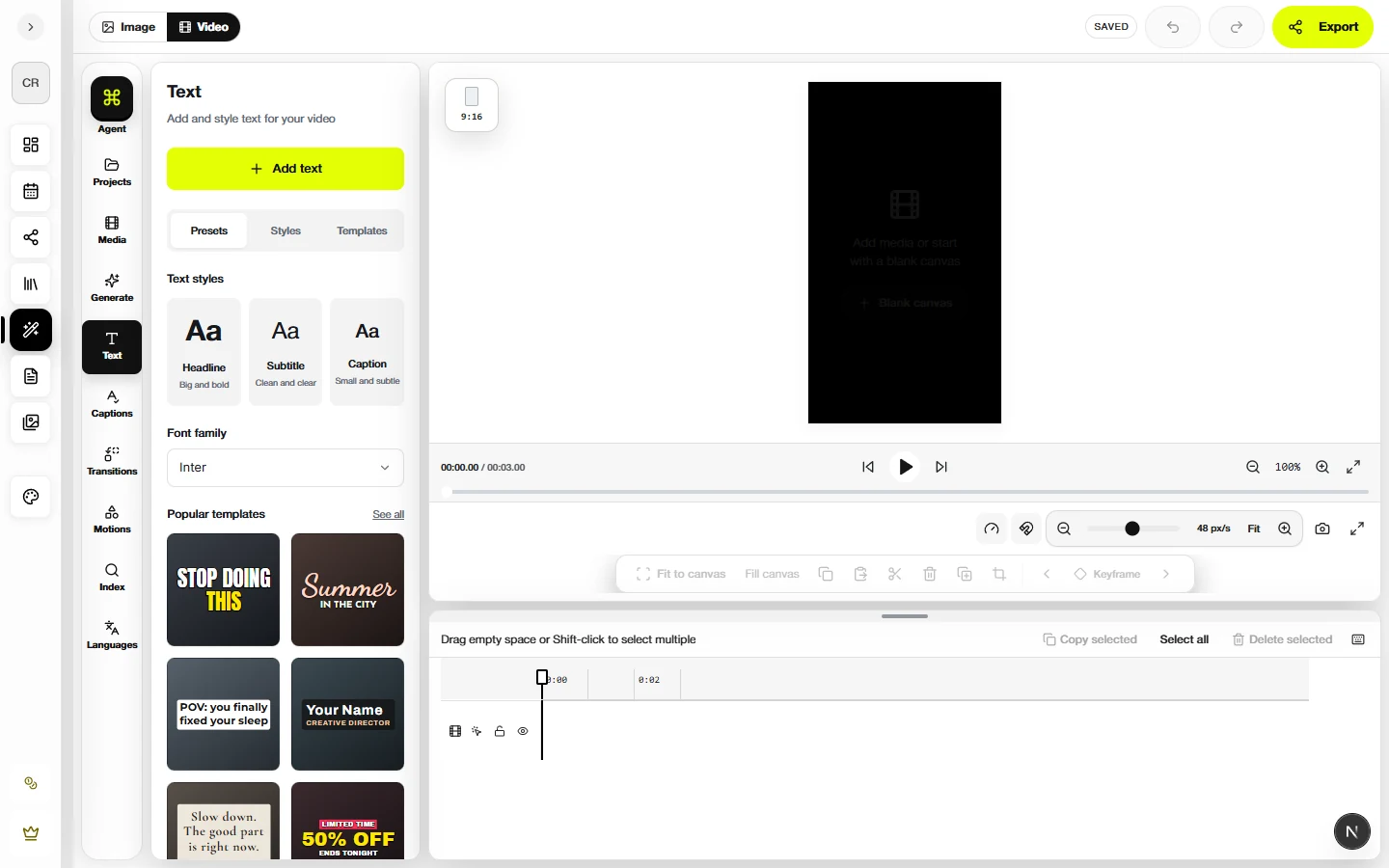
Short video hook prompts for one clip
Use footage you already have to test five different openings for Reels, TikTok, or Shorts.
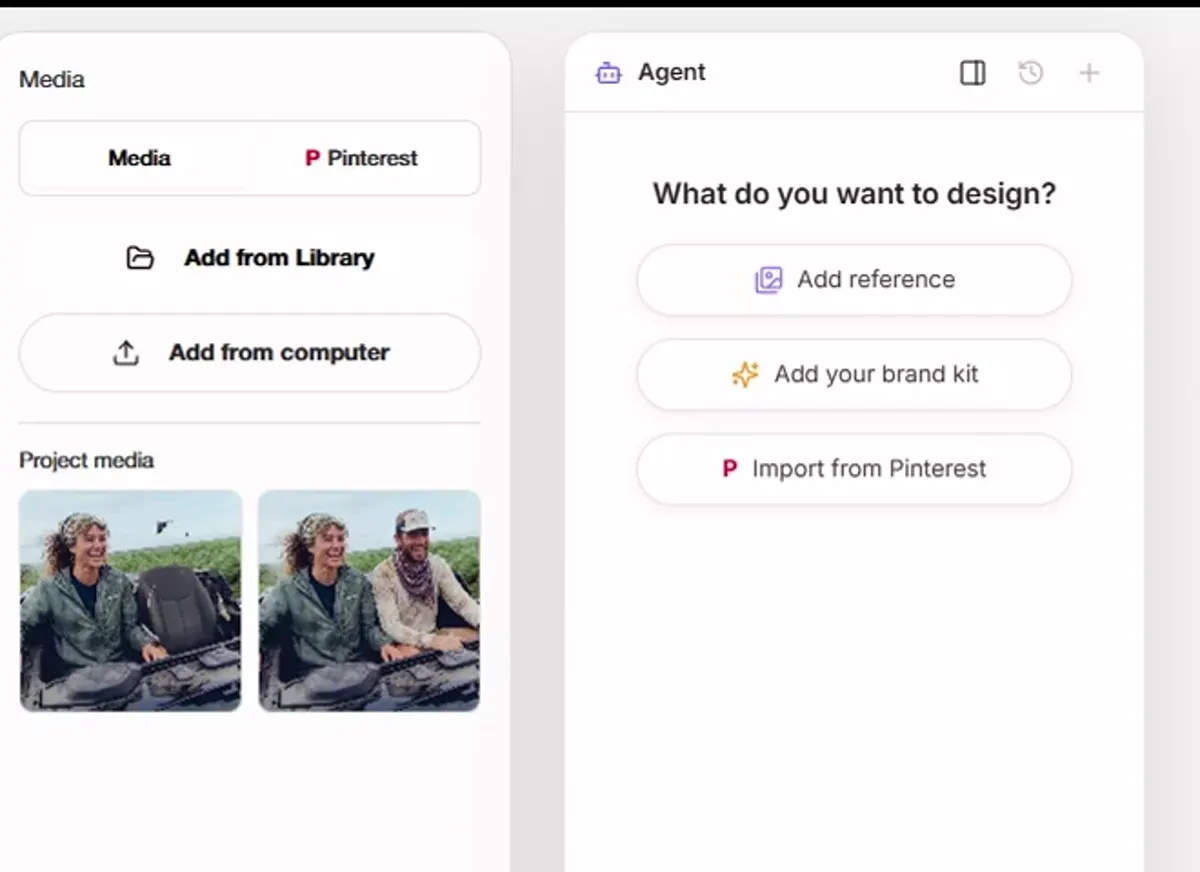
Campaign prompts inspired by a saved look
Use a visual reference for mood, light, or framing while keeping your own product at the center.
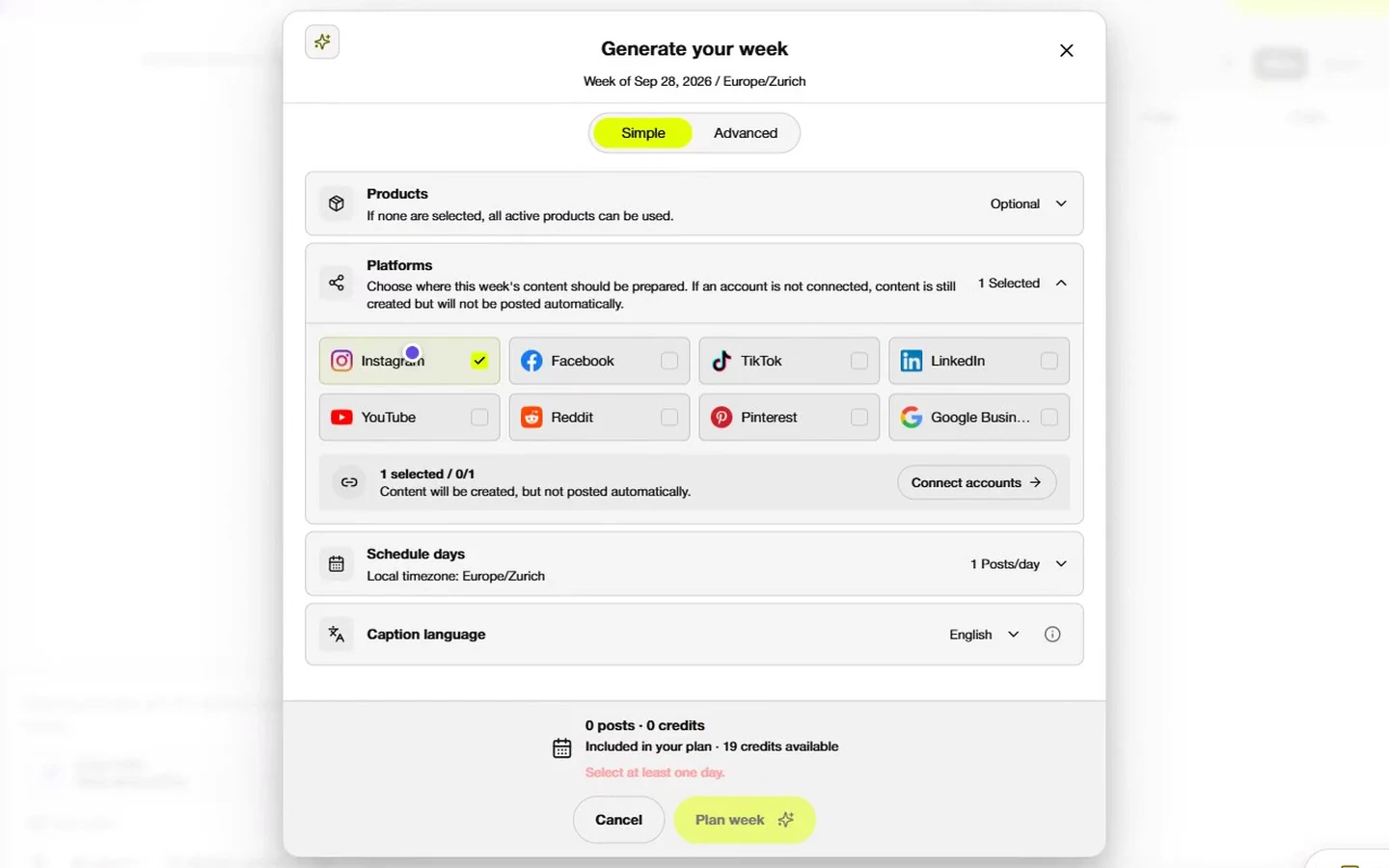
Seasonal launch prompts from teaser to last call
Build a small campaign from teaser to last call, with a distinct job for every post.
Social post prompts from customer questions
Turn everyday questions into useful social posts without inventing reviews or results.
Resource FAQ
Clear answers for AI social media workflows.
What can I learn from ZMEU resources?+
ZMEU resources explain practical workflows for AI social media content creation, campaign planning, photo and video editing, captions, scheduling and publishing.
Are the resources only for product brands?+
No. The resources include workflows for product brands, service businesses, agencies, creators and small teams that need consistent social media content.
Can ZMEU help with uploaded and generated media?+
Yes. ZMEU can work with uploaded photos and videos as well as generated photos, campaign visuals and video ideas. Both can move through editing and scheduling workflows.
Does ZMEU support multi-platform publishing?+
ZMEU helps prepare content for Instagram, TikTok, Facebook, LinkedIn, YouTube Shorts, X and Pinterest with platform-specific captions and formats.
Start building
Turn one workflow into your next month of content.
Create posts, edit media, plan campaigns and schedule content for the channels your brand already uses.