Bring in the asset
Start from an uploaded photo, uploaded video, AI-generated image or generated video direction. ZMEU keeps both real and generated media in the same content workflow.
Photo and video editing
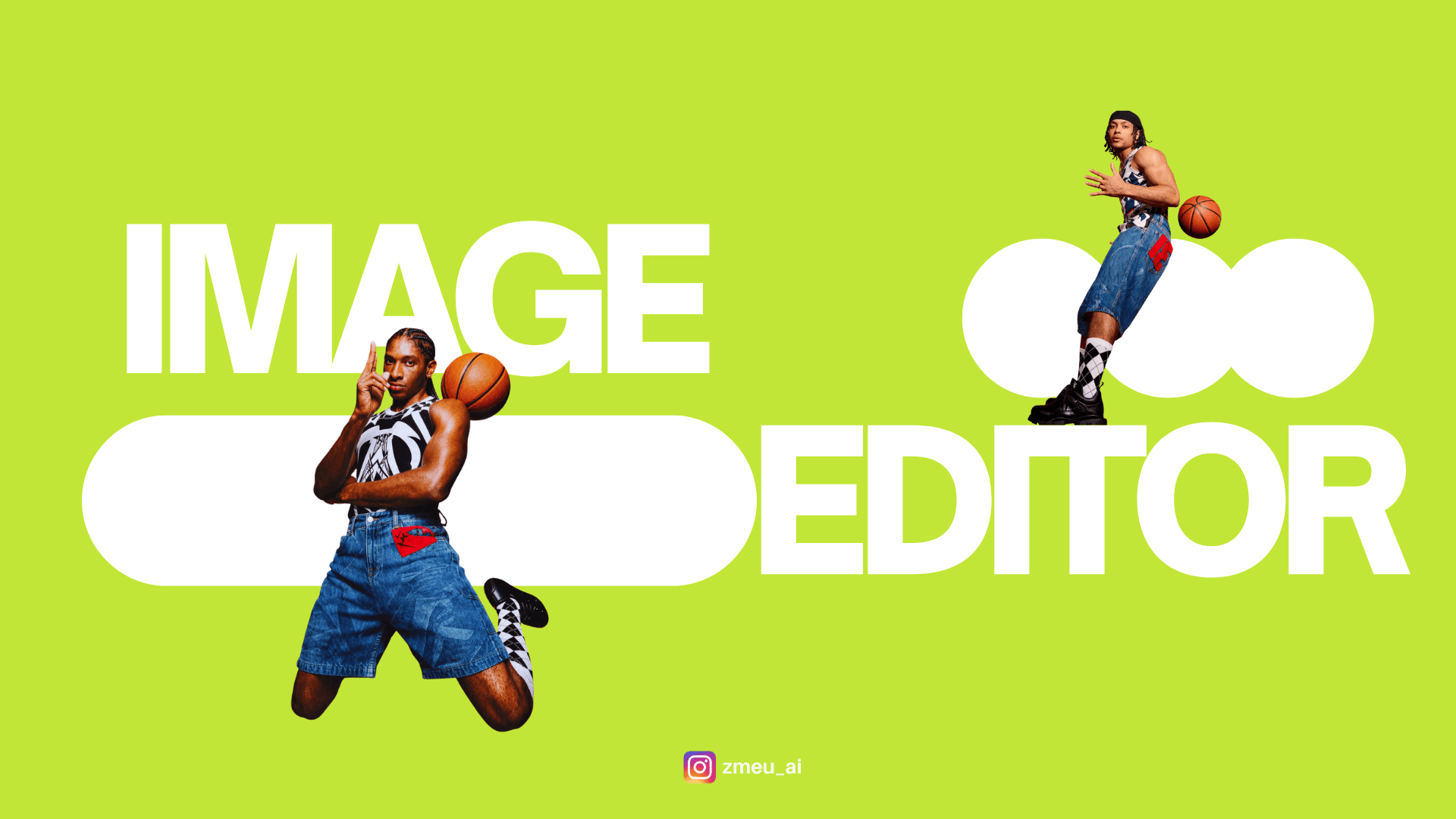
Use ZMEU to bring in your own photos or generated visuals, then crop, resize, rewrite text, adjust layouts and prepare clean exports for social channels.
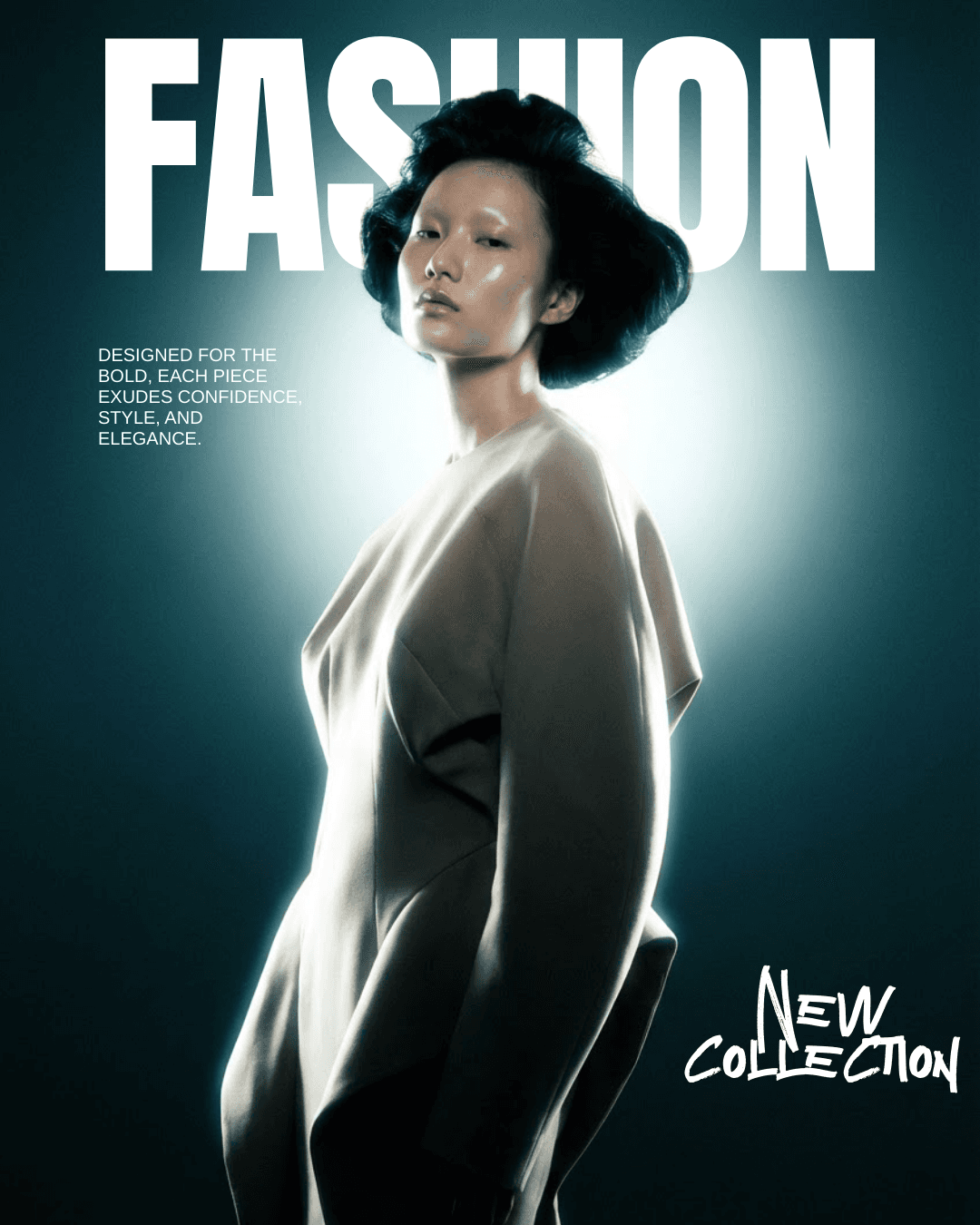
Example: A generated poster has a strong composition but a poor headline. Open it in the image editor, replace the words as editable text and check the final crop.
Start from an uploaded photo, uploaded video, AI-generated image or generated video direction. ZMEU keeps both real and generated media in the same content workflow.
Adjust the crop, size, layout, text and composition yourself, or use AI-assisted edits when you want faster variations.
A visual is only useful when it fits the campaign. ZMEU keeps captions, platform format and publishing intent close to the edited asset.
Once the asset is approved, export it or move it into the weekly publishing calendar with the right caption attached.
You can keep creative control: edit your own media or generated media manually, with AI assistance, and prepare final assets without switching tools.
Create account