Resources/Create images and videos in ZMEU

Automated content creation

Create images and videos in ZMEU

Turn a written idea or visual reference into an image or video, then refine the result for your brand and channel.

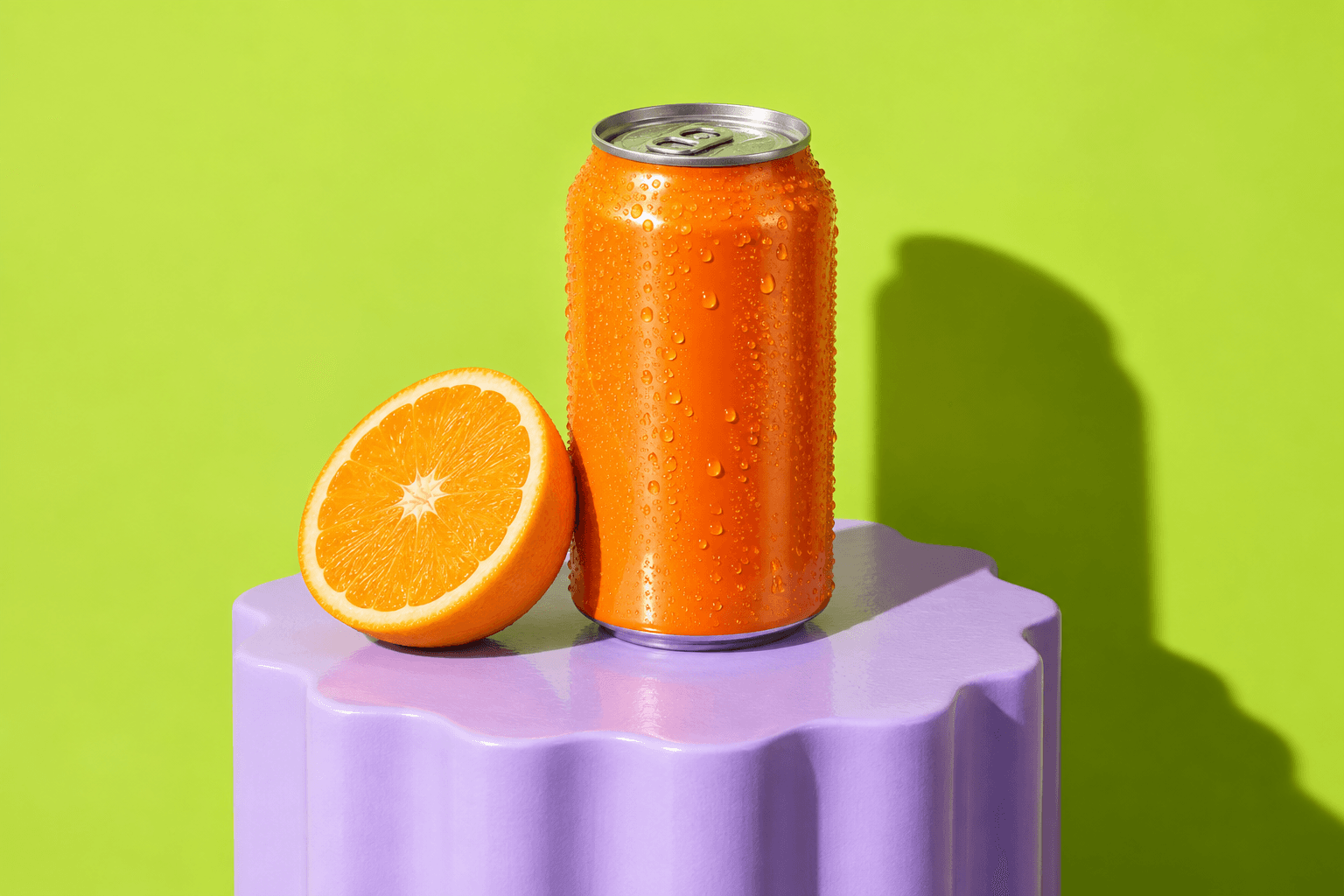
Example: A café needs a 4:5 image of its new drink and a five-second video version for a launch post. It uses the same product reference for both.

Make images from an idea

Open Create something on Home, switch to Image, and describe the subject, setting, light, style, and space needed for text. Choose an image model, aspect ratio, resolution, and number of results. The estimated credits appear before you generate.

Try this: Create a clean product photo of this bottle on a warm cream background, with space on the right for a headline.
Set the image prompt, references, ratio and model before generating.

Set the image prompt, references, ratio and model before generating.

Create page with image prompt, model and reference controls
Open original file

Guide the look with references

Attach your own photo, a product image, a saved character or location, or a style reference. Say which details should stay and which are only inspiration. You can use saved brand context so a new visual follows your palette and creative direction.

Keep source, style and product references separate when describing the image.

Keep source, style and product references separate when describing the image.

Pinterest references inside the image editor
Open original file

Create video from text or images

Switch to Video to describe an action and camera movement, or start with an image when the first frame matters. The available models offer different durations, formats, quality settings, and reference options; choose the controls shown for your model before generating.

Switch to Video for the starting image, format, duration and model.

Switch to Video for the starting image, format, duration and model.

Create page with video model and reference controls
Open original file

Edit or extend a clip

Where the selected video model supports it, use an existing clip as the source for an edit or extension. Describe what should change, such as the setting, motion, light, or next moment, and review the new clip beside the original.

The selected workflow shows available models, formats and estimated credits.

The selected workflow shows available models, formats and estimated credits.

Video editor Generate panel
Open original file

Keep and refine your results

Open generated images and videos in your library. Keep the strongest version, make another variation or a focused edit, then take it to the Image Editor or Video Editor for layout, text, timing, and finishing.

Open a result in the matching editor for final adjustments.

Open a result in the matching editor for final adjustments.

Editor hub with image and video projects
Open original file

Prepare content for publishing

Download the finished asset or use it in a post. Check its crop and readable text for the destination channel, then add the right caption and schedule it in the calendar.

Review the final asset in its post and calendar context.

Review the final asset in its post and calendar context.

Weekly calendar
Open original file

Ready to try it yourself?

A new image or video saved in your library, ready for a closer edit or a post.

Create account

Related use cases

Swipe to see more use cases · 1/4
Create images and videos in ZMEU | Zmeu Resources